If payment fails
What happens when a Business payment fails — the grace period, lock screen, and how admins fix it.
Last updated About 2 months ago
For everyone. Admins resolve billing; members wait for an admin to act.
When a Business renewal payment fails, Aiome gives admins 7 days to fix it before the workspace locks for everyone.
Grace period — you still have access
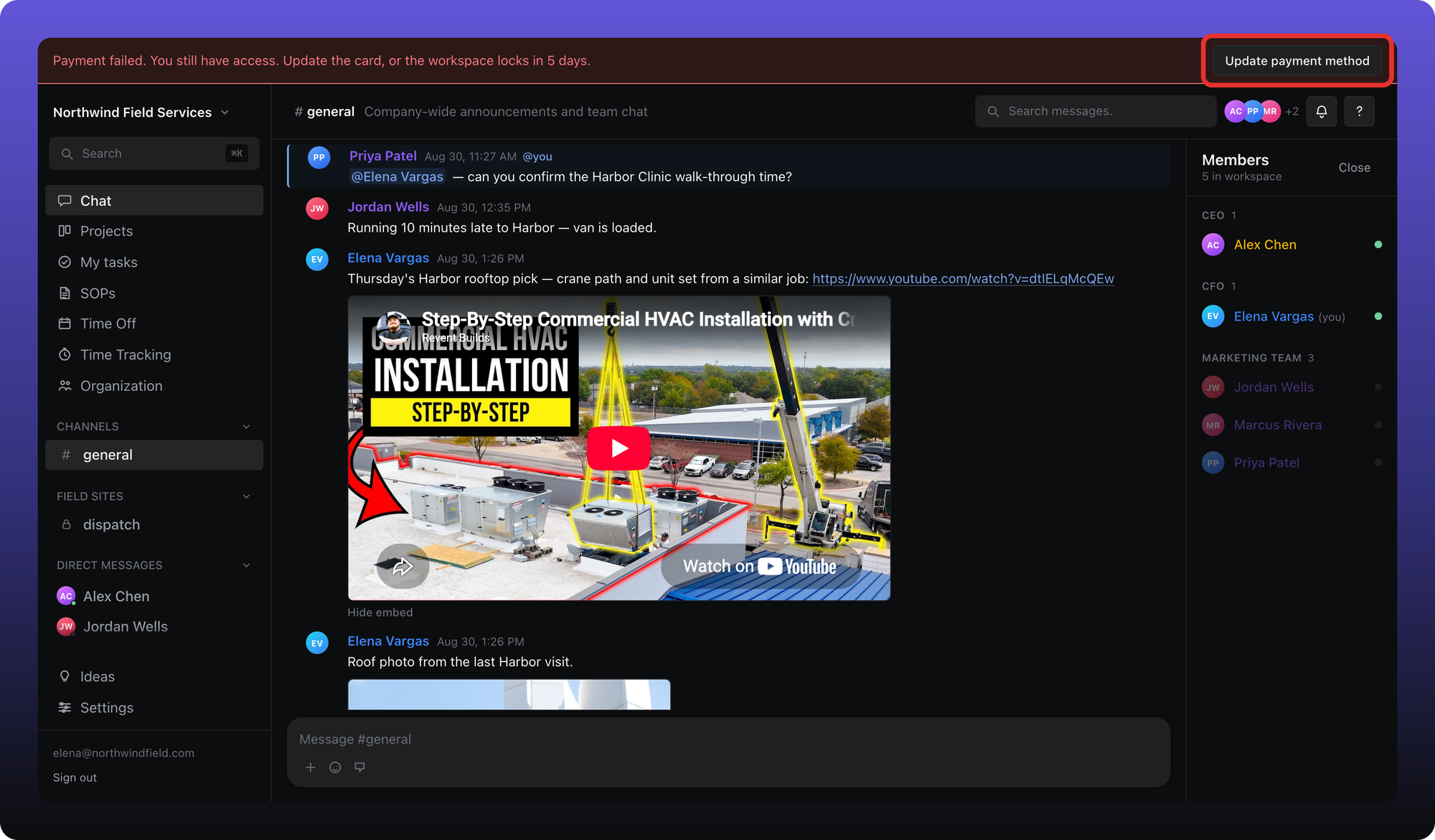
During the first 7 days, the workspace stays open. A red banner appears at the top of every screen.
Admins see Update payment method, which opens Paddle's portal. Members see a message that an admin needs to update the card.
After 7 days — workspace locked
If payment is still unresolved after 7 days, nobody can use the workspace until an admin fixes billing or downgrades to Free.
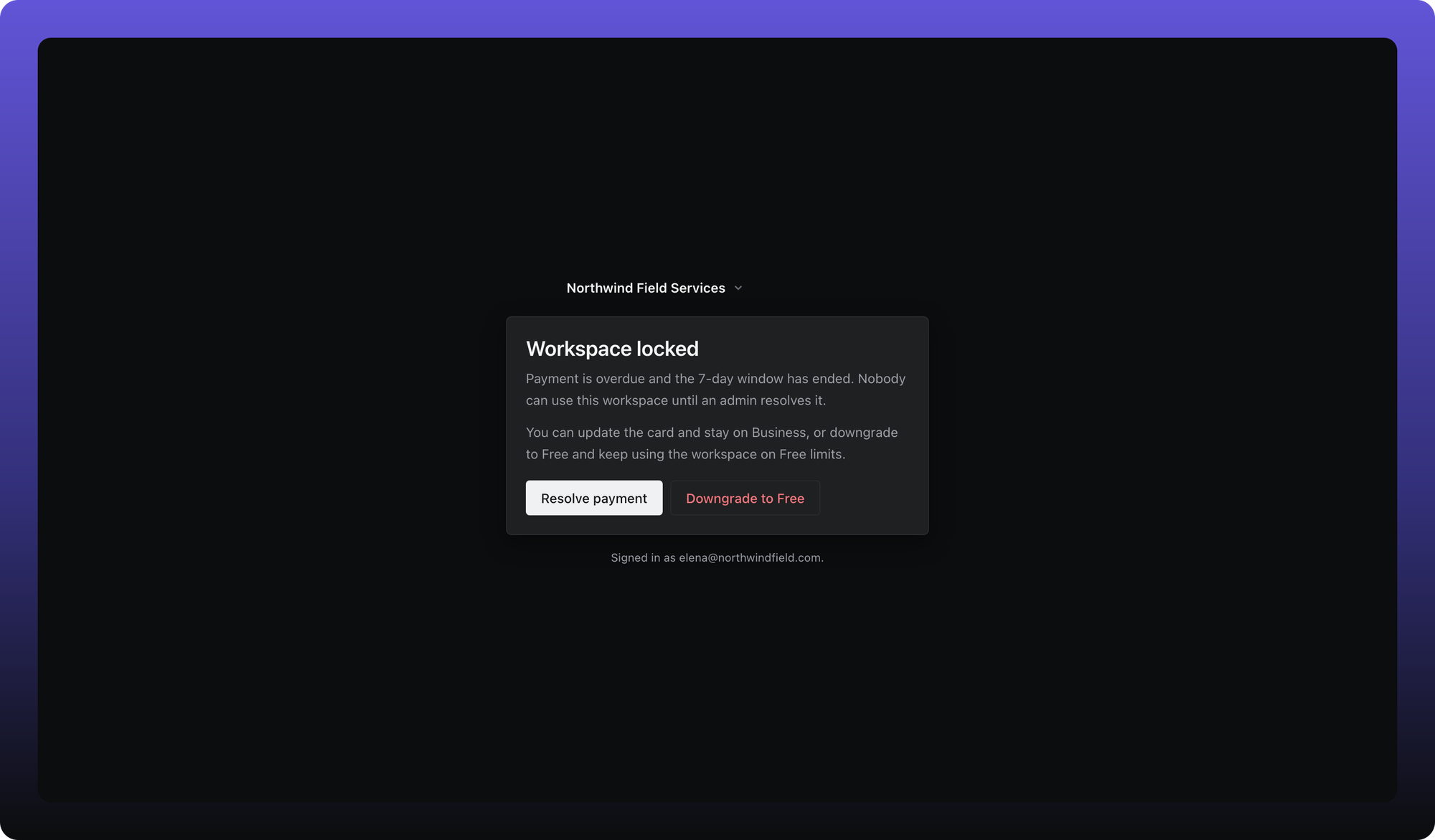
Admins can:
- Resolve payment — update the card in Paddle and stay on Business.
- Downgrade to Free — pick what to keep and unlock the workspace on Free limits. See Downgrade or cancel.
Members cannot update the card or downgrade. Reach out to a workspace admin.
Was this helpful?
Still need help? Ask the team