Manage a channel
For managers and admins. Rename, change privacy, move to a category, or delete.
Last updated About 2 months ago
For managers and admins.
Any manager or admin can manage any channel they can see — not only the person who created it. Members cannot.
Right-click the channel in the sidebar.
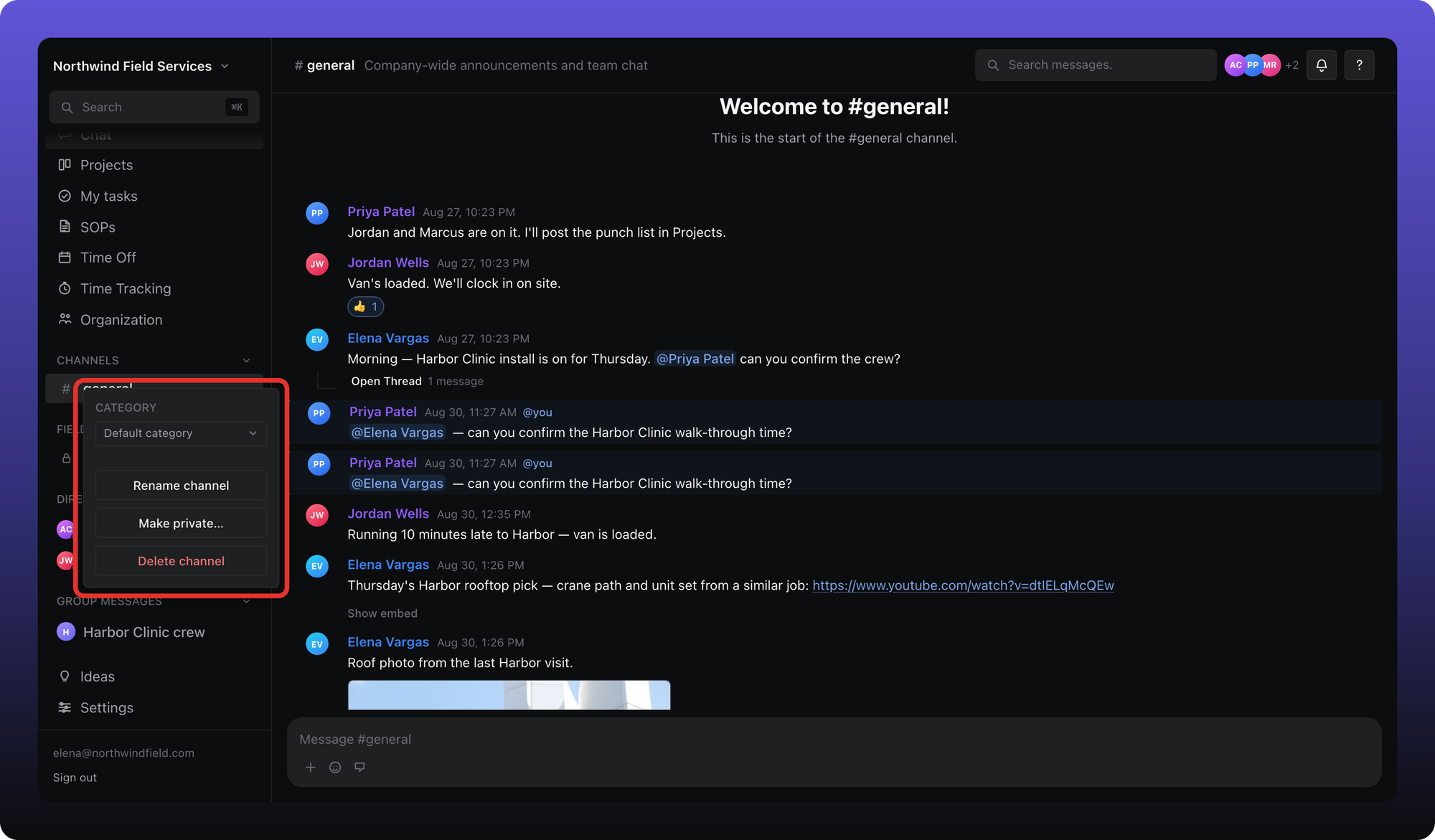
- Category — move the channel under a different heading.
- Rename channel — changes the name for everyone.
- Make private… — turns a public channel private and lets you choose who stays. On a private channel this item is Manage permissions…. Make public… is the reverse.
- Delete channel — removes the channel and its messages. Confirm in the dialog. This cannot be undone.
Who can see a private channel is covered in Private channels. Creating channels and categories is in Create and organize channels.
Was this helpful?
Still need help? Ask the team