Seats and invoices
How seat count works, where to see charges, and how to open Paddle for payment method and invoices.
Last updated About 2 months ago
For admins.
On Business, Aiome bills monthly per seat. Paddle is the merchant of record — they handle cards, invoices, and tax. Aiome shows your seat count and charge history; payment details open in Paddle's portal.
Seat count on Billing
The Billing tab shows how many seats you are paying for and when the subscription renews. There is no add-seats stepper on this page.
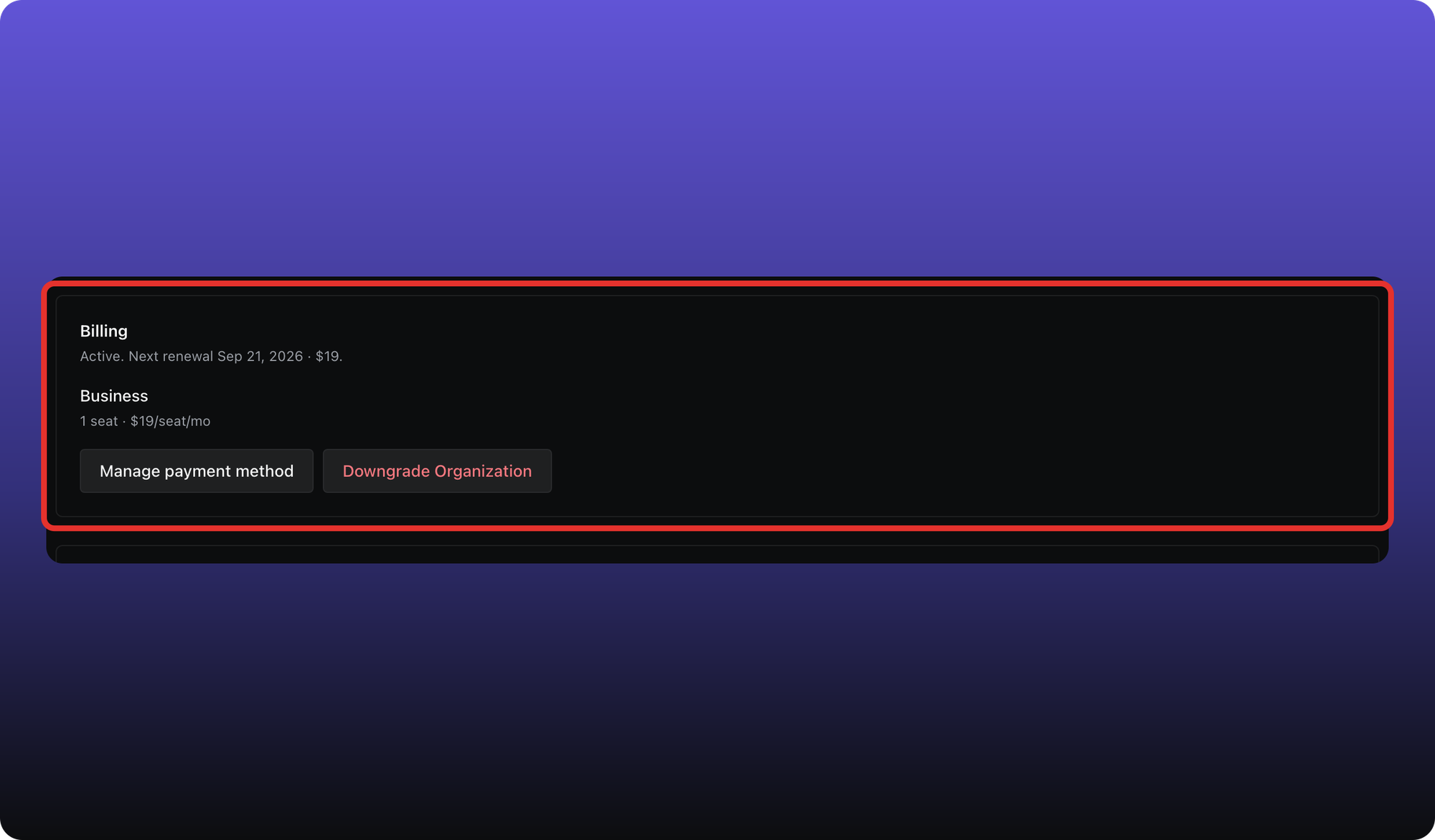
How seats change
Seats follow the people in your workspace:
- Invite someone on the People page — Paddle adds a seat on Business.
- Deactivate someone — the seat is removed on the next Paddle sync.
On Free, you can have up to 3 seats without billing. See I hit a Free plan limit if you need to swap seats at the cap.
Payment history and invoices
Scroll to Payments on the Billing tab. Each row is a charge for this workspace. Click a row to open that payment in Paddle's portal in a new tab.
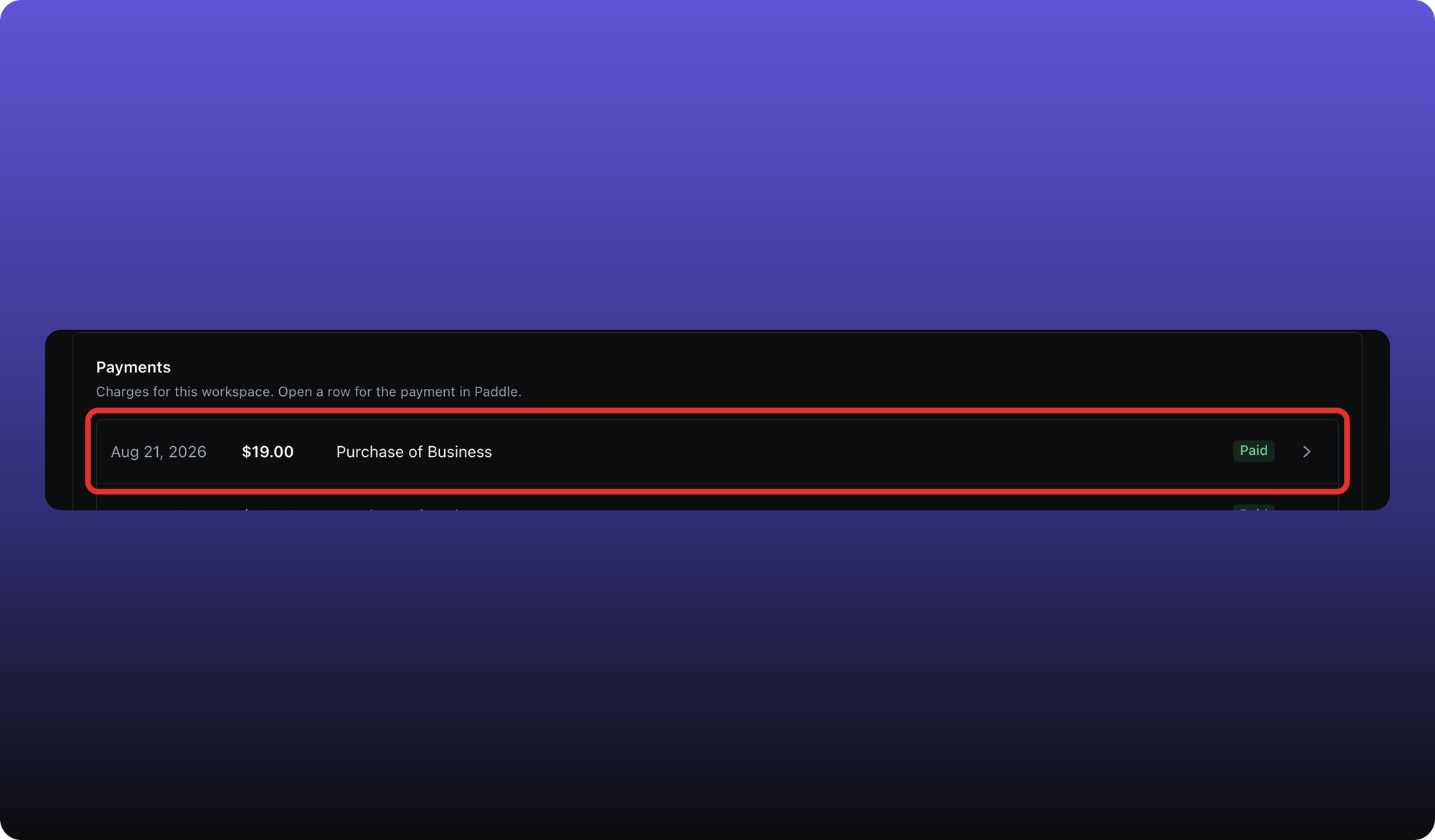
Click Manage payment method to open Paddle's portal for your card and subscription overview.
Was this helpful?
Still need help? Ask the team