Reports and CSV export
For people who can see others' hours. Date-range totals per person.
Last updated About 2 months ago
For everyone who can see at least one other person's hours on their reporting line. Admins and the owner see the whole org.
Business plan. Time tracking is available on the paid Business plan only. Free workspaces do not show Time Tracking in the sidebar.
The Reports tab totals worked hours across a date range — one row per person.
Run a report
- Click Time Tracking, then Reports.
- Set the From and To dates.
- Count only approved timesheets starts on. Uncheck it to include hours that are still pending review.
- Click Export CSV to download the table.
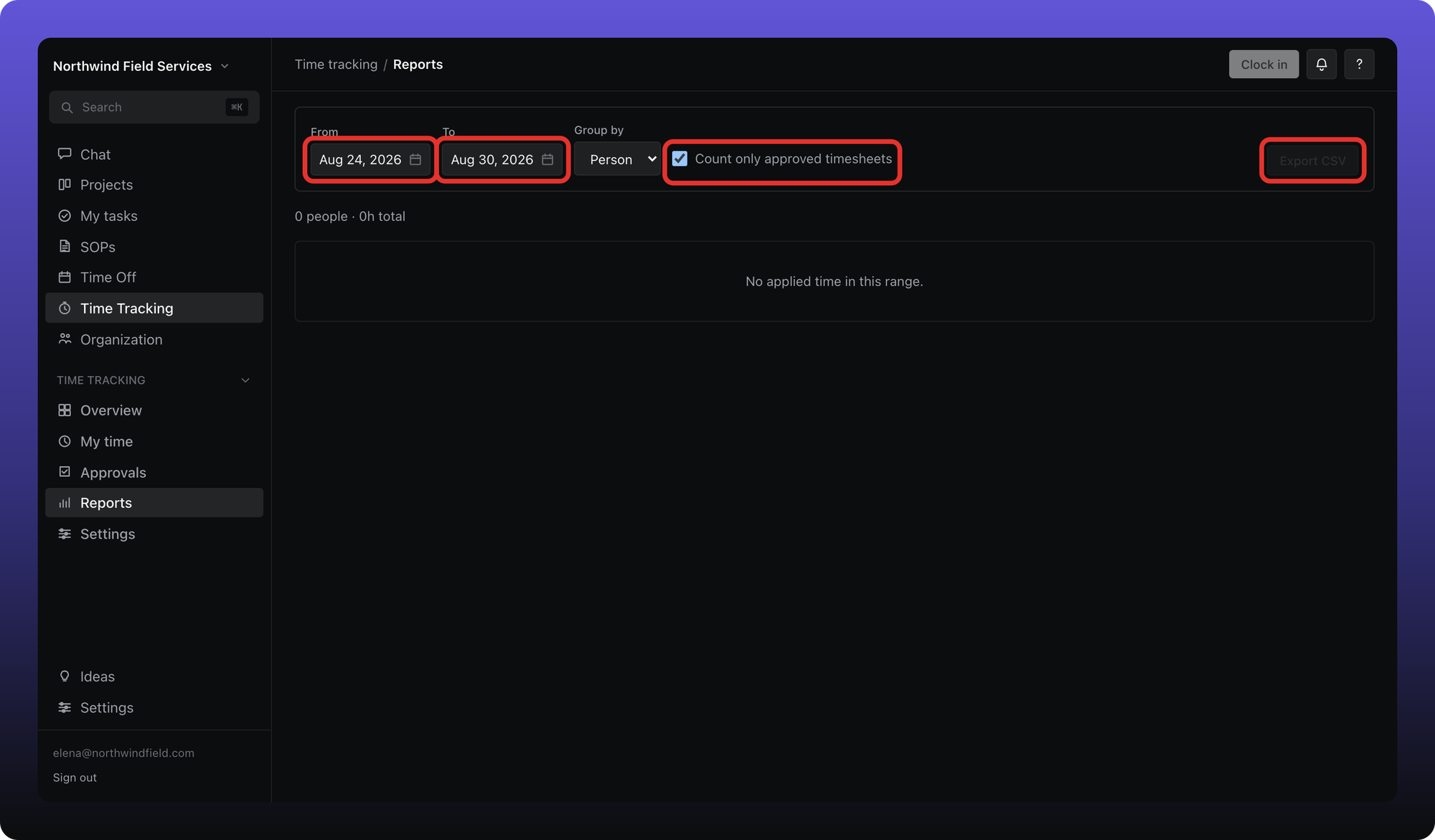
Reports show per-person totals for people you are allowed to see. If you only see your own hours, the summary reads your time only.
Aiome does not attach shifts to projects for billing — use Reports for payroll-style hour totals, not client or project billing.
Was this helpful?
Still need help? Ask the team