Time off reports
For admins and anyone who can view team leave. Export balances, totals, and history.
Last updated About 2 months ago
Business plan only. Free workspaces do not show Time Off in the sidebar.
Admins and people who can view team leave · Business plan
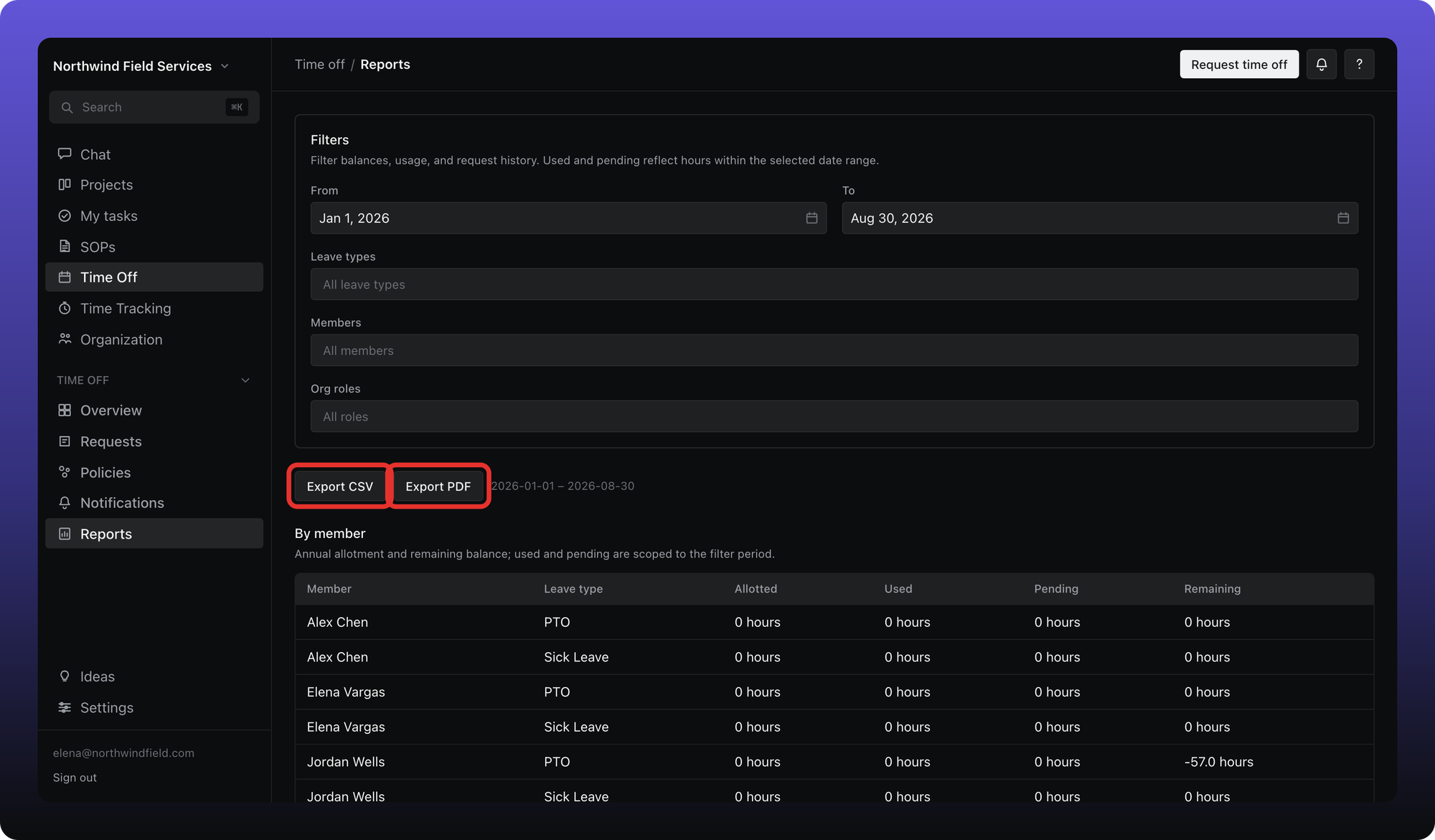
Open Time Off → Reports when you need totals beyond your own balance card.
You can view reports when you are an admin or when you already have visibility into someone else's leave (for example as their approver).
Set a date range, filter by people and leave types, then review:
By member — per-person allotment, used, pending, and remaining
By leave type — aggregated totals across filtered members
Request history — pending, approved, denied, and cancelled requests in the range
Use Export CSV or Export PDF to download the current report. CSV includes all three sections; PDF generates a formatted summary for the selected range.
Was this helpful?
Still need help? Ask the team