Approve timesheets and edits
For reviewers. Pending timesheets and manual time edits.
Last updated About 2 months ago
For people who can review hours on their reporting line — usually a manager, admin, or owner.
Business plan. Time tracking is available on the paid Business plan only. Free workspaces do not show Time Tracking in the sidebar.
When timesheet or manual-edit approvals are enabled, reviewers see an Approvals tab after someone on their reporting line submits hours or edits time by hand.
Review pending items
- Click Time Tracking, then Approvals.
- Open a pending timesheet or edit to review the hours.
- Click Approve or Reject. Rejections can include a reason the hourly member will see on My time.
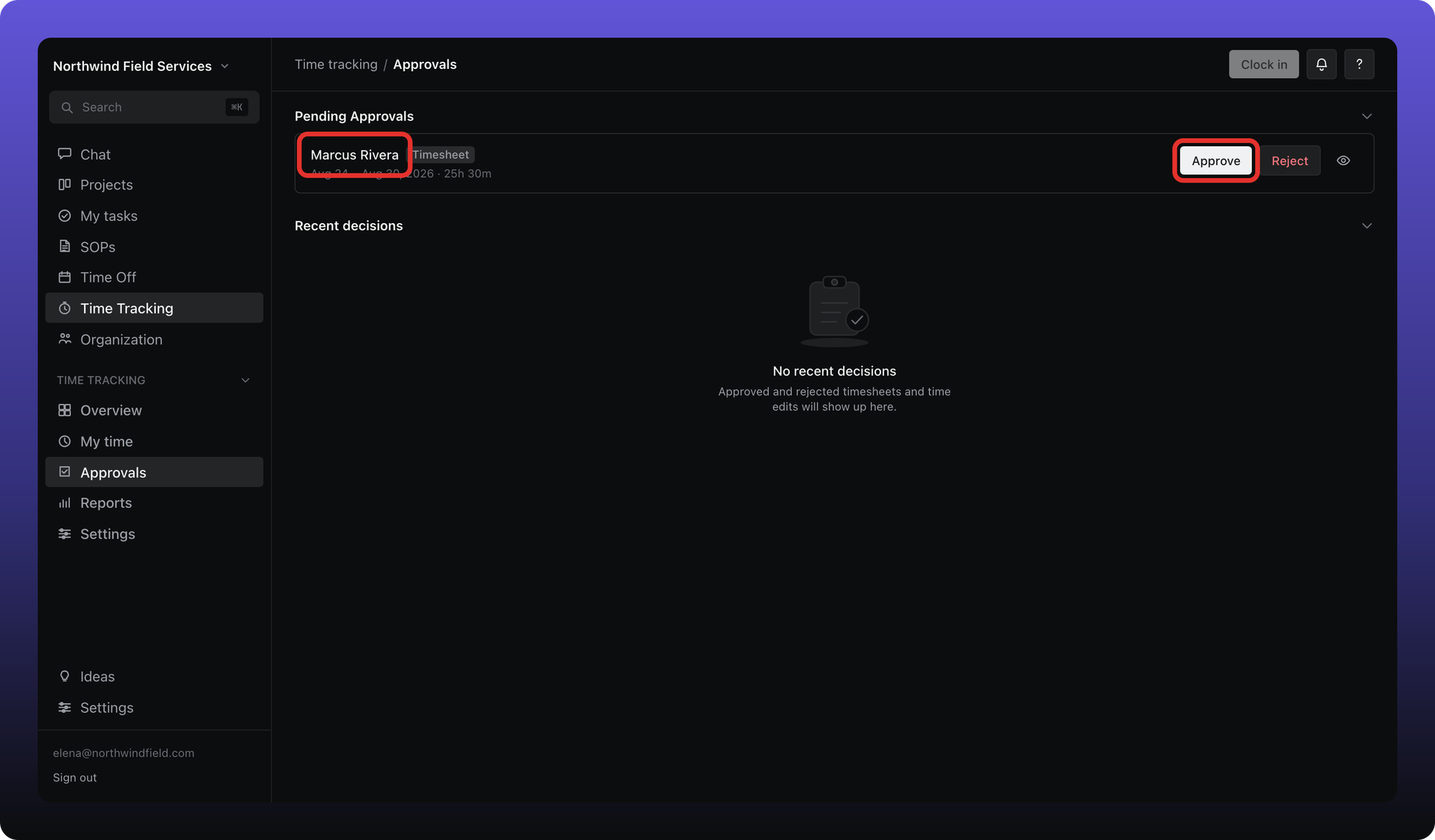
The tab appears only when at least one approval type is turned on in Settings and you can see someone besides yourself on the org chart. Both approval types default to on; admins can disable either one.
Was this helpful?
Still need help? Ask the team