Rename the workspace
For workspace admins. Change the organization name shown in the sidebar and invites.
Last updated About 2 months ago
For workspace admins.
The organization name appears in the sidebar header, workspace switcher, and invitation emails.
Rename
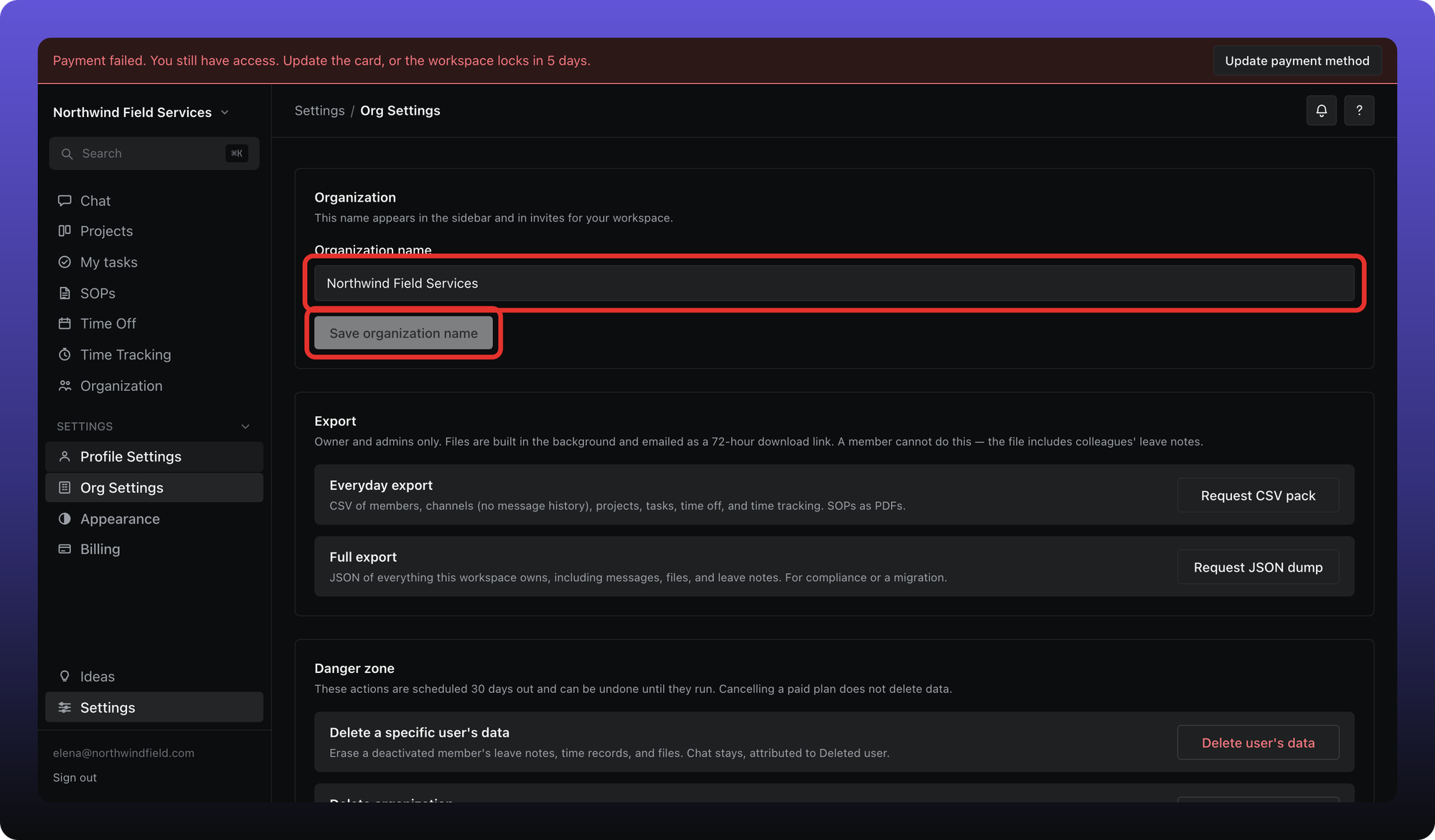
- Click Settings, then Org Settings.
- Edit Organization name.
- Click Save organization name.
Was this helpful?
Still need help? Ask the team