SOPs overview
For everyone. Library, My checklist, Reports, and folders.
Last updated About 2 months ago
For everyone.
SOPs & training is where procedures live. Use it to write checklists, assign them to the team, and track completion.
Click SOPs in the sidebar. Three views sit at the top of the SOPs section:
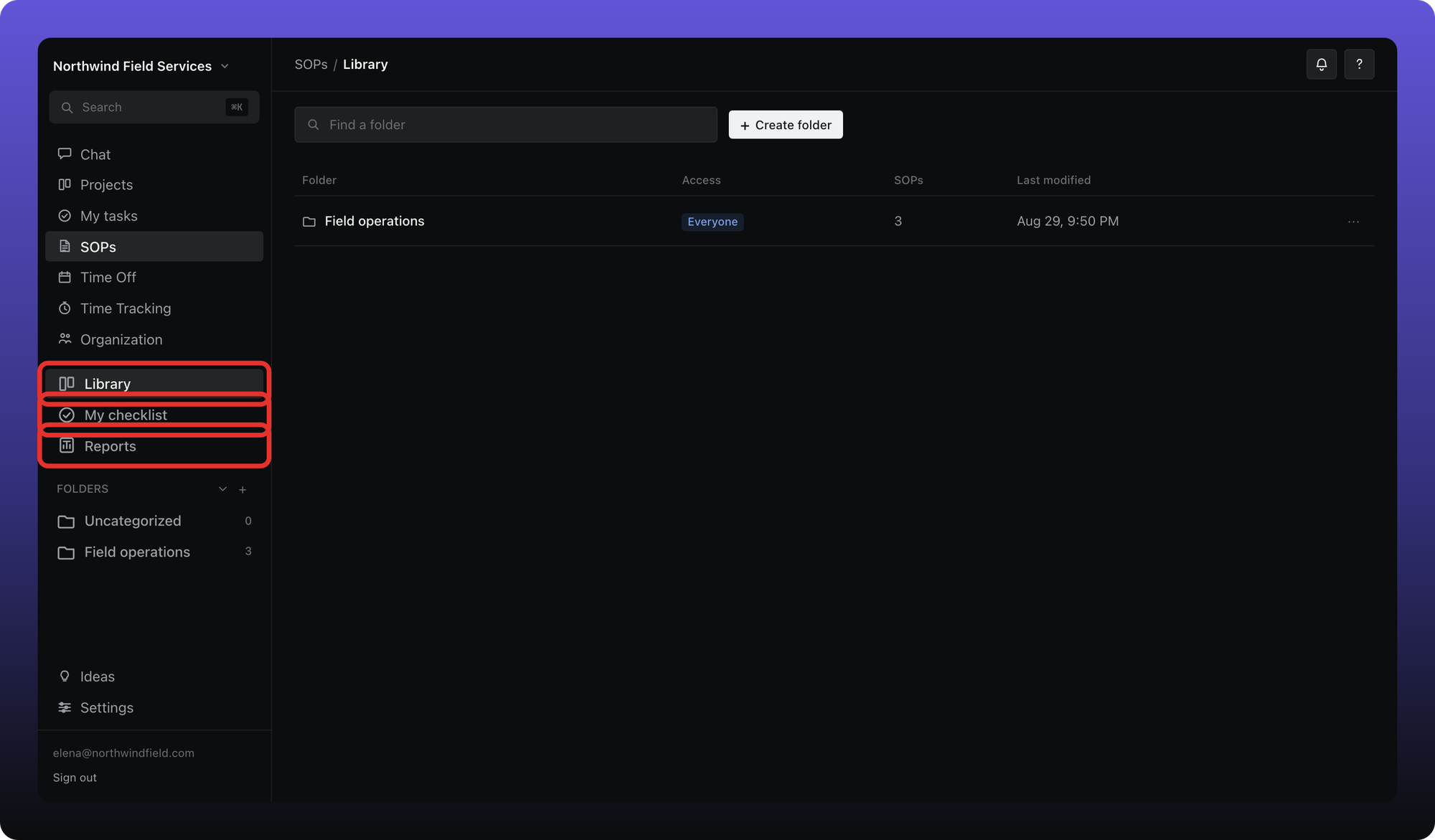
Library — browse folders and every SOP you can open.
My checklist — SOPs assigned to you and your progress.
Reports — completion dashboards for managers and admins.
Folders appear below those tabs. Use them to group related SOPs.
Free plan limit
Free workspaces can have up to 3 SOPs. Nothing is deleted when you hit the cap — you need to upgrade, or delete an SOP to free a slot, before adding another. See What's on Free vs Business.
Related
The articles in this collection walk through completing a SOP, writing one, folders, assignment, restrictions, and reports.
Was this helpful?
Still need help? Ask the team