Appearance
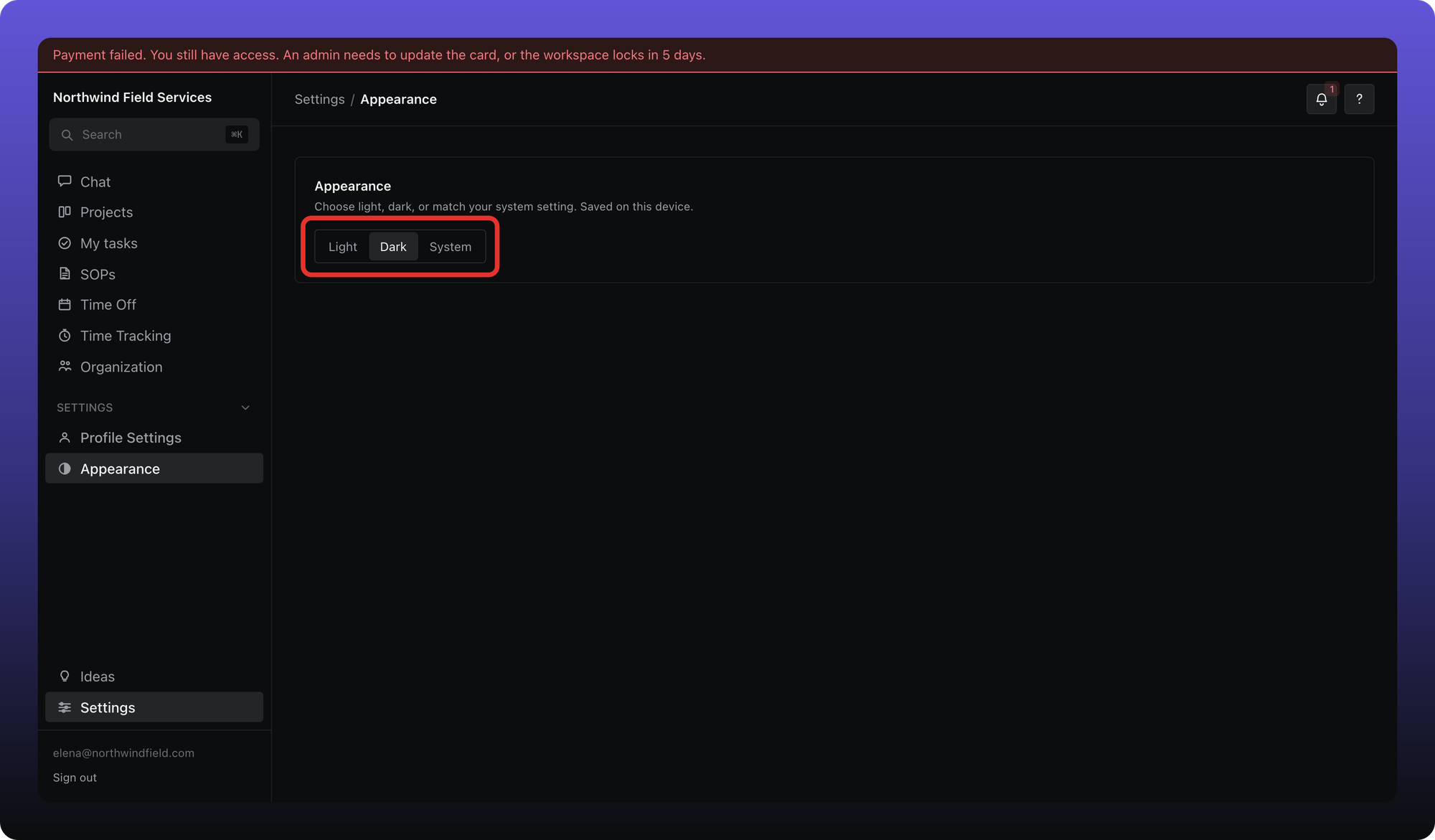
For everyone. Light, dark, or match your system — saved on this device.
Last updated About 2 months ago
For everyone.
Choose how Aiome looks on this browser or computer. The choice is saved locally — it does not follow you to another device.
Change theme
- Click Settings in the sidebar.
- Open Appearance.
- Pick Light, Dark, or System (follows your OS setting).
Was this helpful?
Still need help? Ask the team