Forgot to clock out
For hourly members and their managers. Open-shift and missing-clock alerts.
Last updated About 2 months ago
For hourly members and managers who can see them on the org chart.
Business plan. Time tracking is available on the paid Business plan only. Free workspaces do not show Time Tracking in the sidebar.
The Overview tab flags common time-tracking problems so you can fix them before payroll.
Open shift alert
If someone stays clocked in for 14 hours or more, Overview shows an Open alert — for example when they forgot to clock out at the end of a shift.
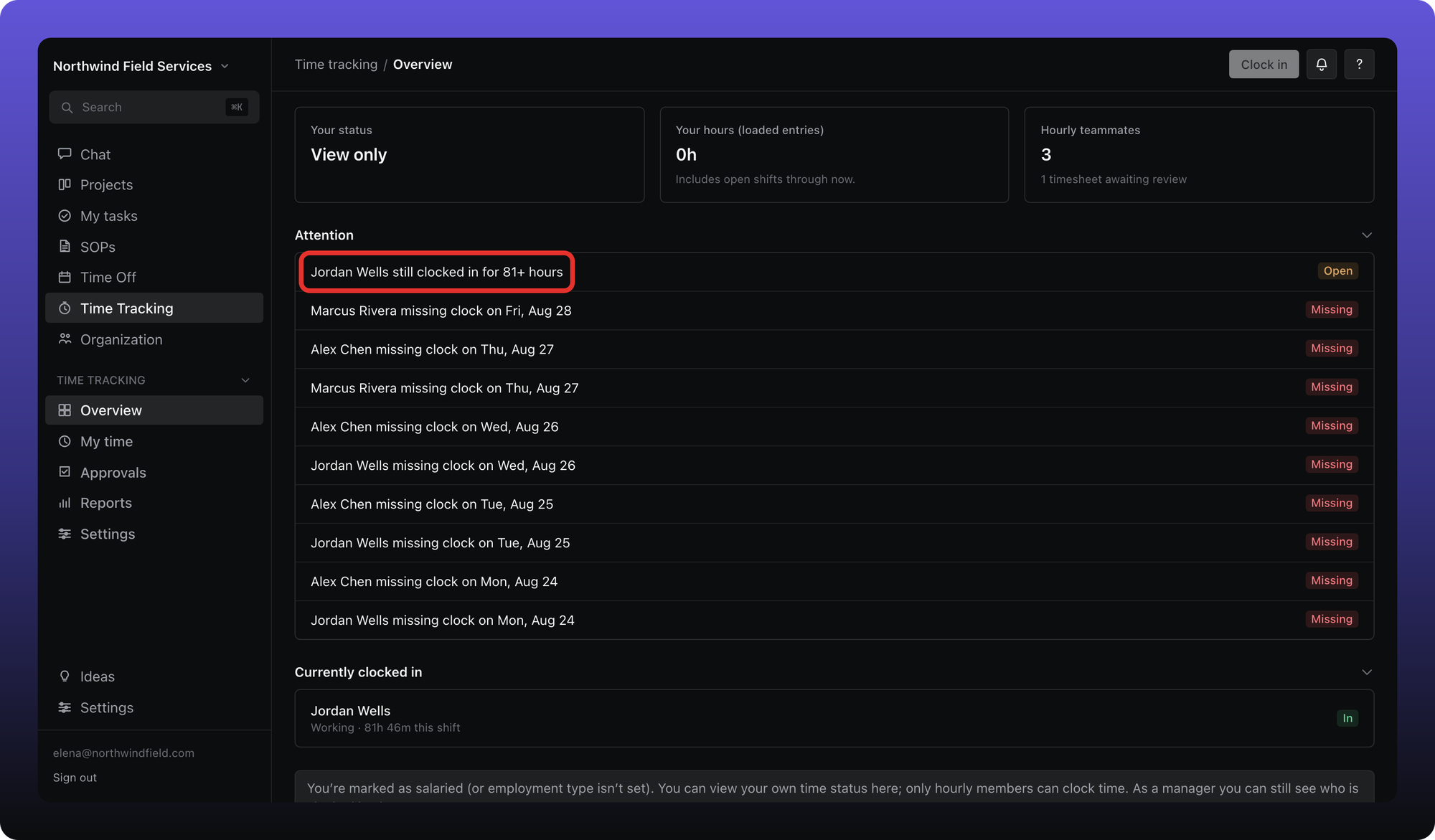
The hourly member clocks out from the header, or opens My time to edit the day and correct the end time with a reason. A manager can see the Overview alert; they cannot open that person's My time.
Other alerts
- Missing — no clock entry on a weekday when the person was not on approved leave.
- Gap — more than 4 hours between closed segments on the same weekday.
Alerts only appear for people you are allowed to see — the same org-chart rule as Reports. See Who can see whose hours.
Was this helpful?
Still need help? Ask the team