Transfer ownership
For the organization owner. Hand ownership to another admin so you can leave.
Last updated About 2 months ago
For the organization owner only.
The owner has every admin power and cannot leave the workspace until ownership moves to someone else or the organization is deleted.
Transfer
- Click Settings → Profile Settings.
- Scroll to This workspace and click Transfer ownership.
- Pick the new owner from the list — they must already be an admin.
- Click Transfer ownership to confirm.
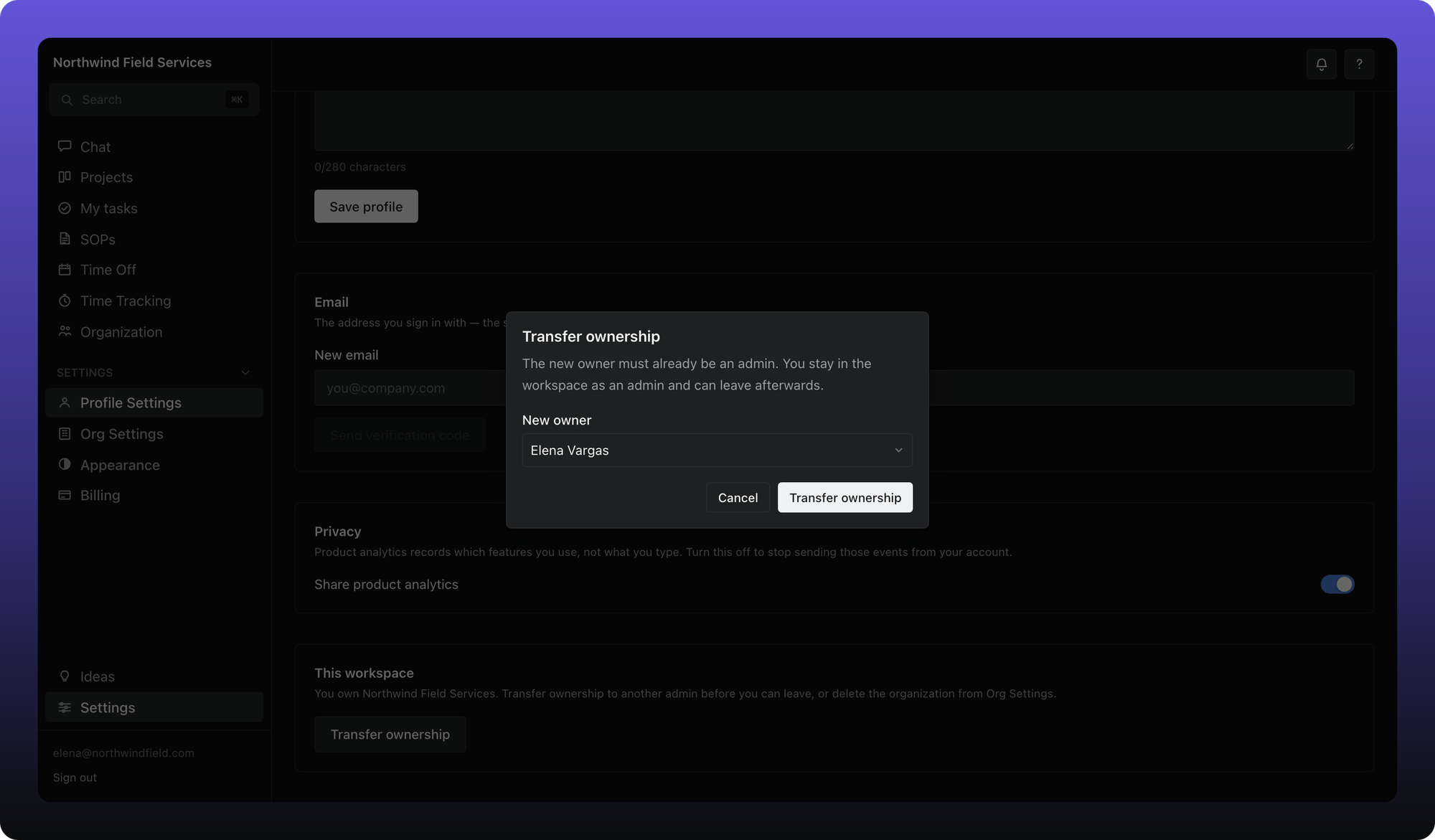
You stay in the workspace as an admin after the transfer. The new owner can then manage billing and deletion.
Promote someone to admin first under Organization → Members if the picker is empty.
Was this helpful?
Still need help? Ask the team