Share a project and privacy
For everyone. Public vs private projects and who can open them.
Last updated About 1 month ago
For everyone.
Projects are public to the whole workspace by default. A private project is visible only to people and roles you choose, plus the project owner.
Manage access on a project
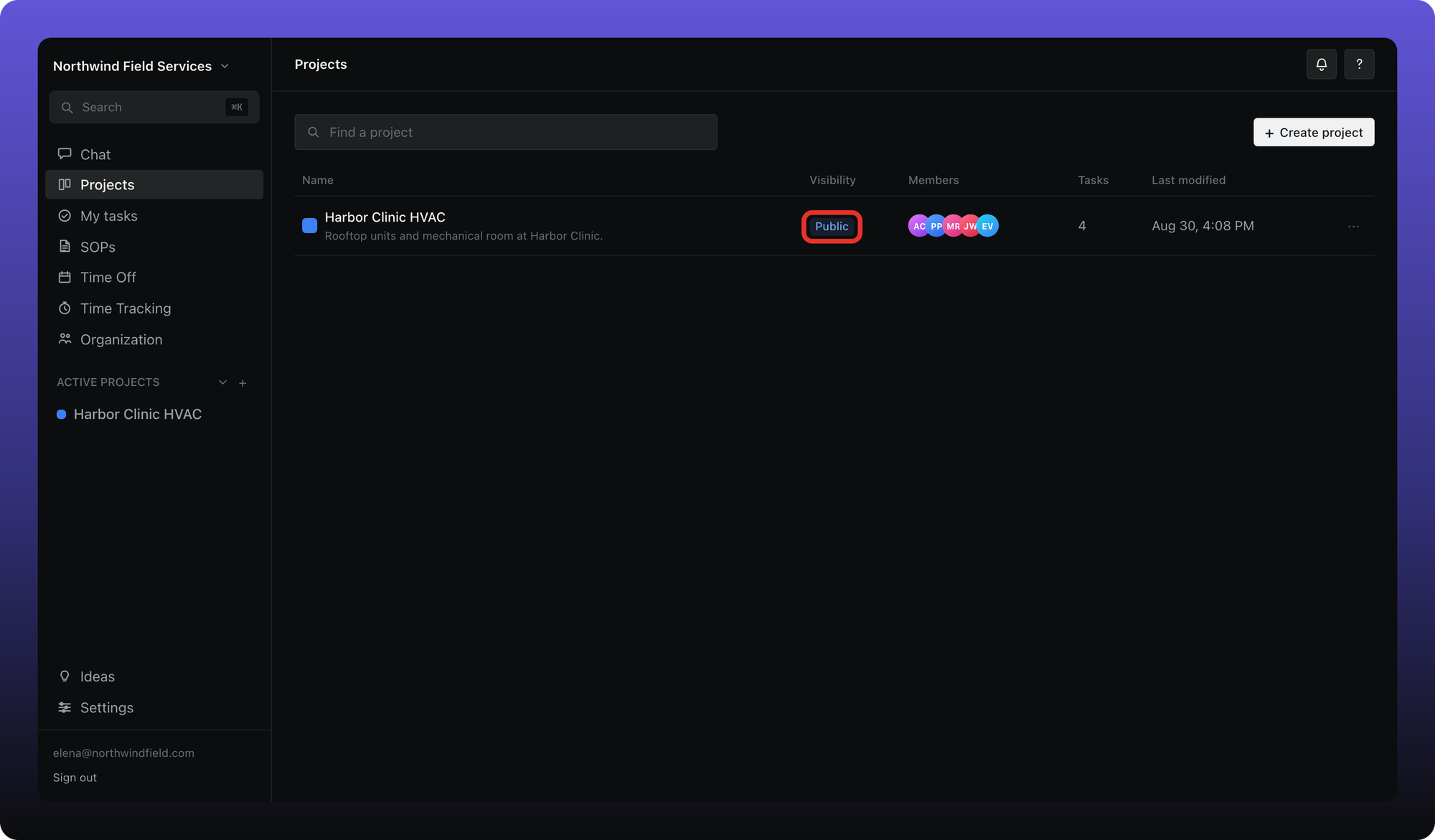
Inside a project, click Manage access in the header (or the Public / Private pill on the browse screen).
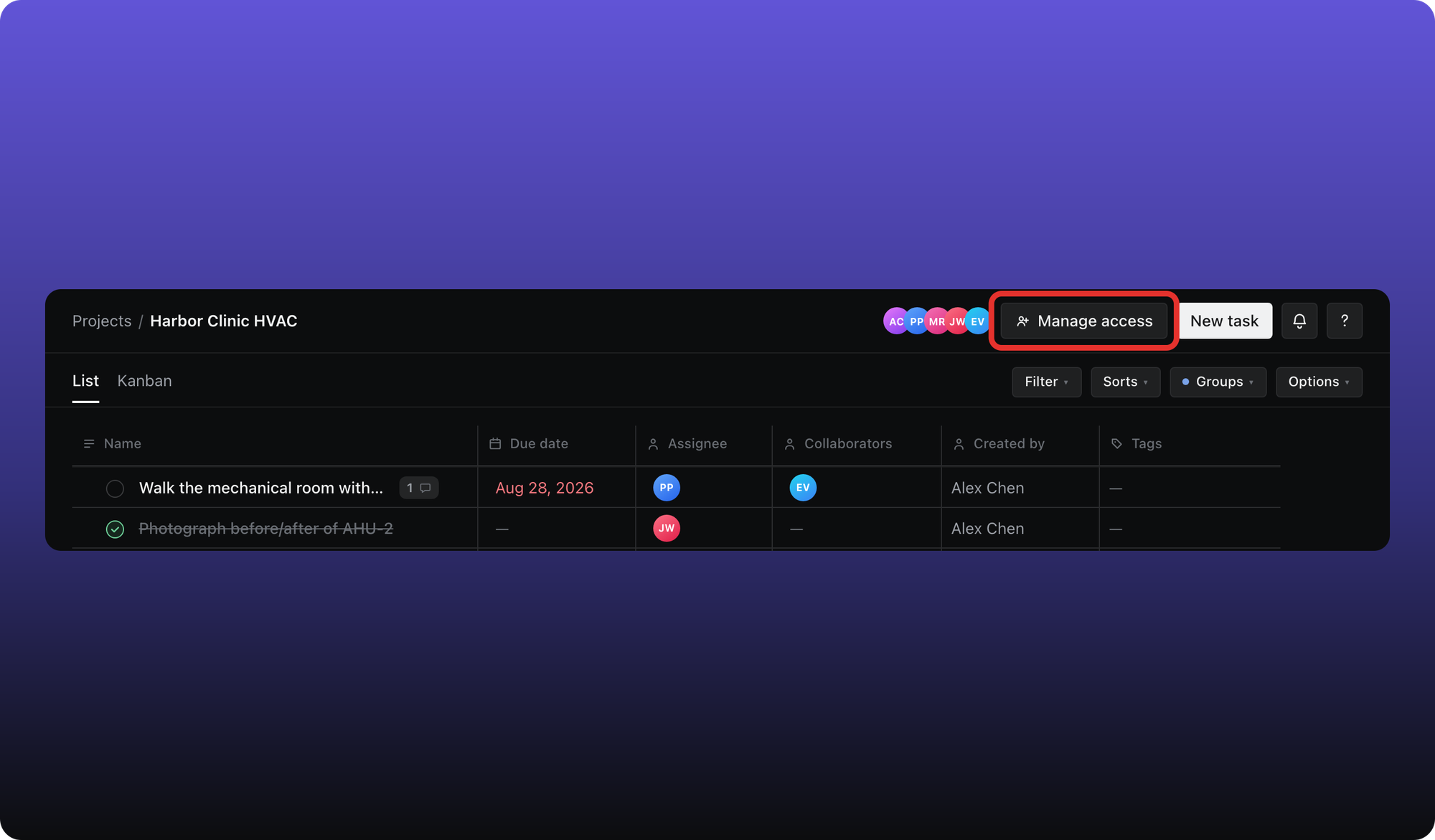
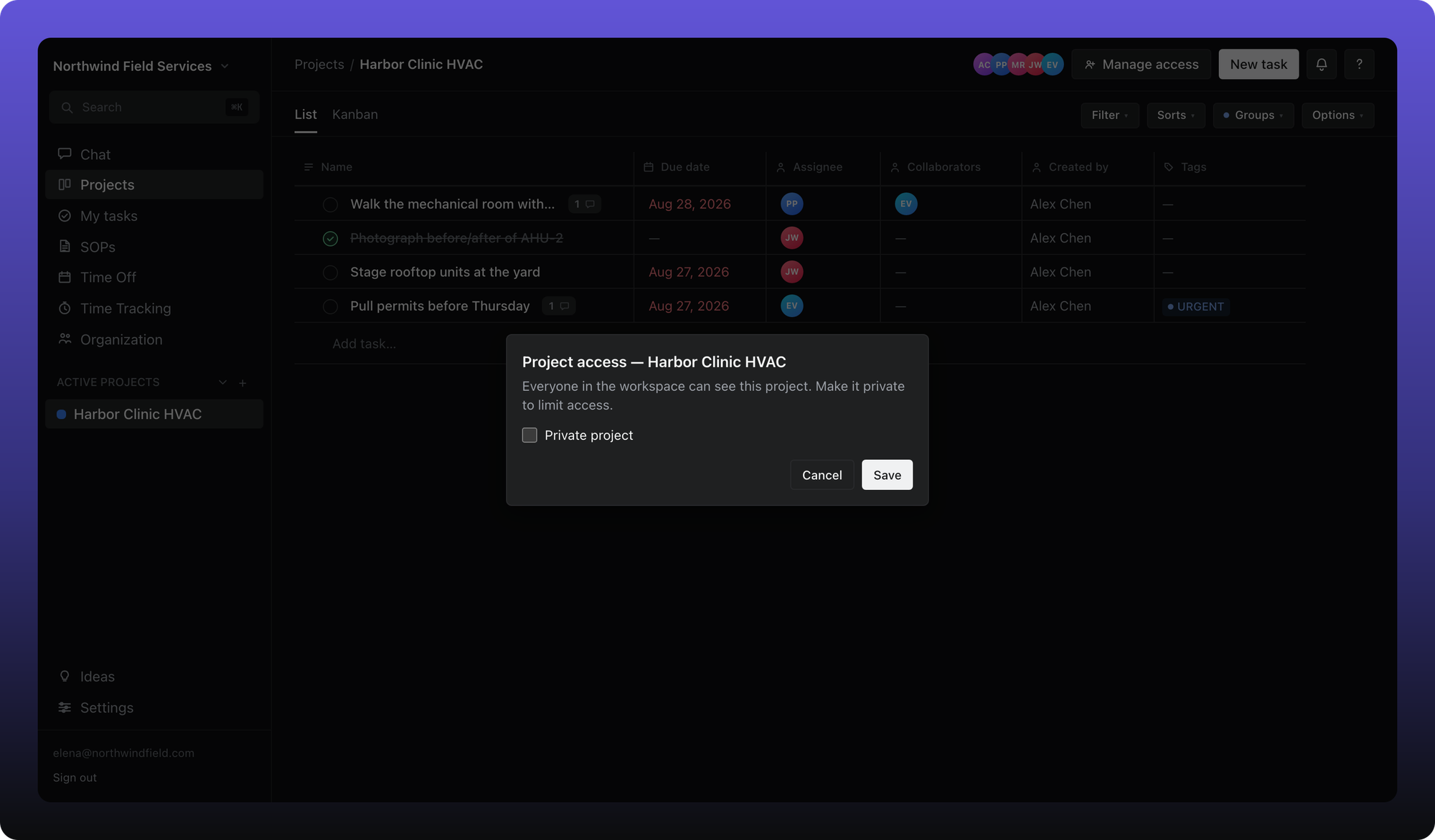
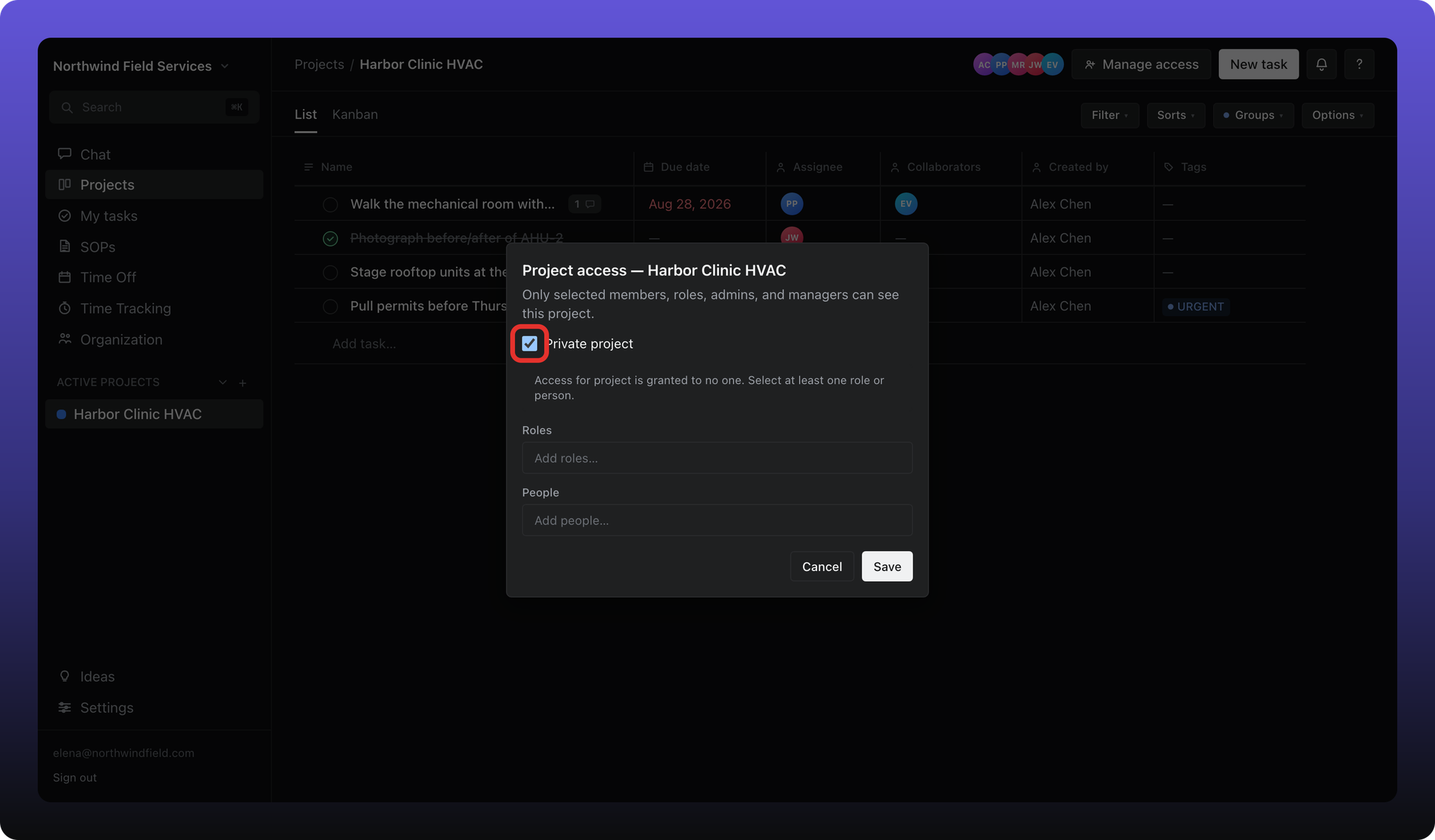
Turn on Private project and pick members and/or org roles who should see it. The project owner always has access and appears pinned at the top of the list.
You can also set access when creating a project — see Create a project.
Who can see what on a private project
Grantees and the project owner can open the project and its tasks.
Workspace admins can see the project row on the browse screen and archive or restore it, but they cannot open tasks inside a private project unless they are a grantee.
Managers who are not grantees cannot list the project or open it.
If you expected to see a project and do not, ask a project member to add you — see I can’t see a channel, project, or SOP in Get help.
Was this helpful?
Still need help? Ask the team