Org chart
For everyone on Business. Visual reporting lines from org roles and placements.
Last updated About 2 months ago
For everyone.
Business plan. The Org chart tab is available on the paid Business plan only. Free workspaces do not show it.
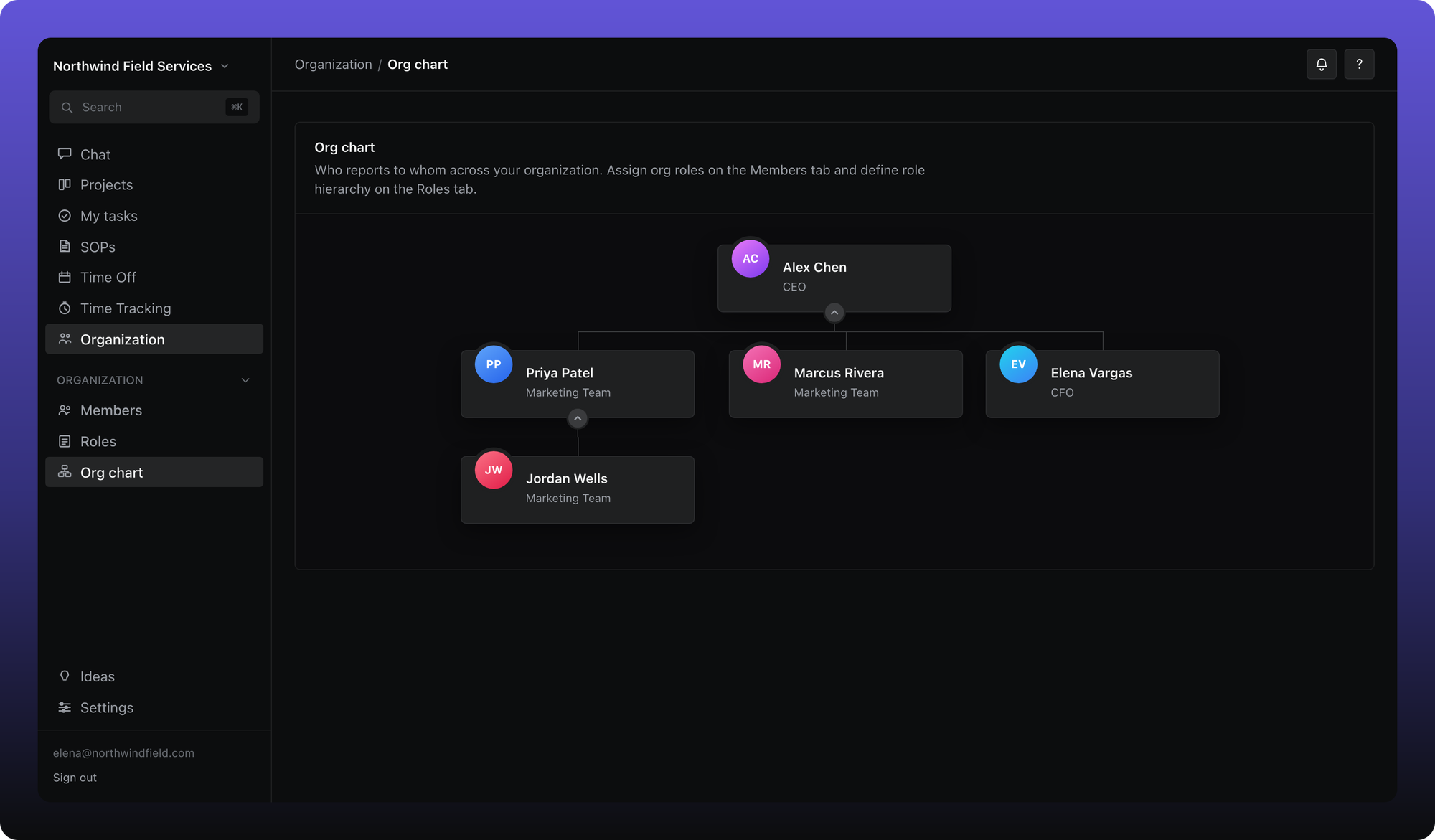
The org chart maps who reports to whom. It is built from org roles (with a Reports to hierarchy) and individual member placements when someone has no org role.
Open the chart
- Click Organization in the sidebar.
- Click Org chart.
How people appear
- Members with an org role appear under that role's node on the chart (unless hidden).
- Members without an org role can still appear — set Reports to person or Reports to role in member settings or when inviting.
- A role or person can be hidden from the chart while still active in the workspace.
Job titles are not required — the chart works from reporting lines alone. Aiome flags people at the top with no manager above them so you can fix reporting gaps.
The org chart also drives time tracking visibility (managers see hours for people in their reporting line) and can feed time off approvers when a policy uses the org chart manager.
Was this helpful?
Still need help? Ask the team