Export workspace data
For workspace admins. Request a CSV pack or full JSON dump by email.
Last updated About 2 months ago
For workspace admins.
Owners and admins can export data from Settings → Org Settings → Export. Members cannot — exports include colleagues' leave notes and other sensitive fields.
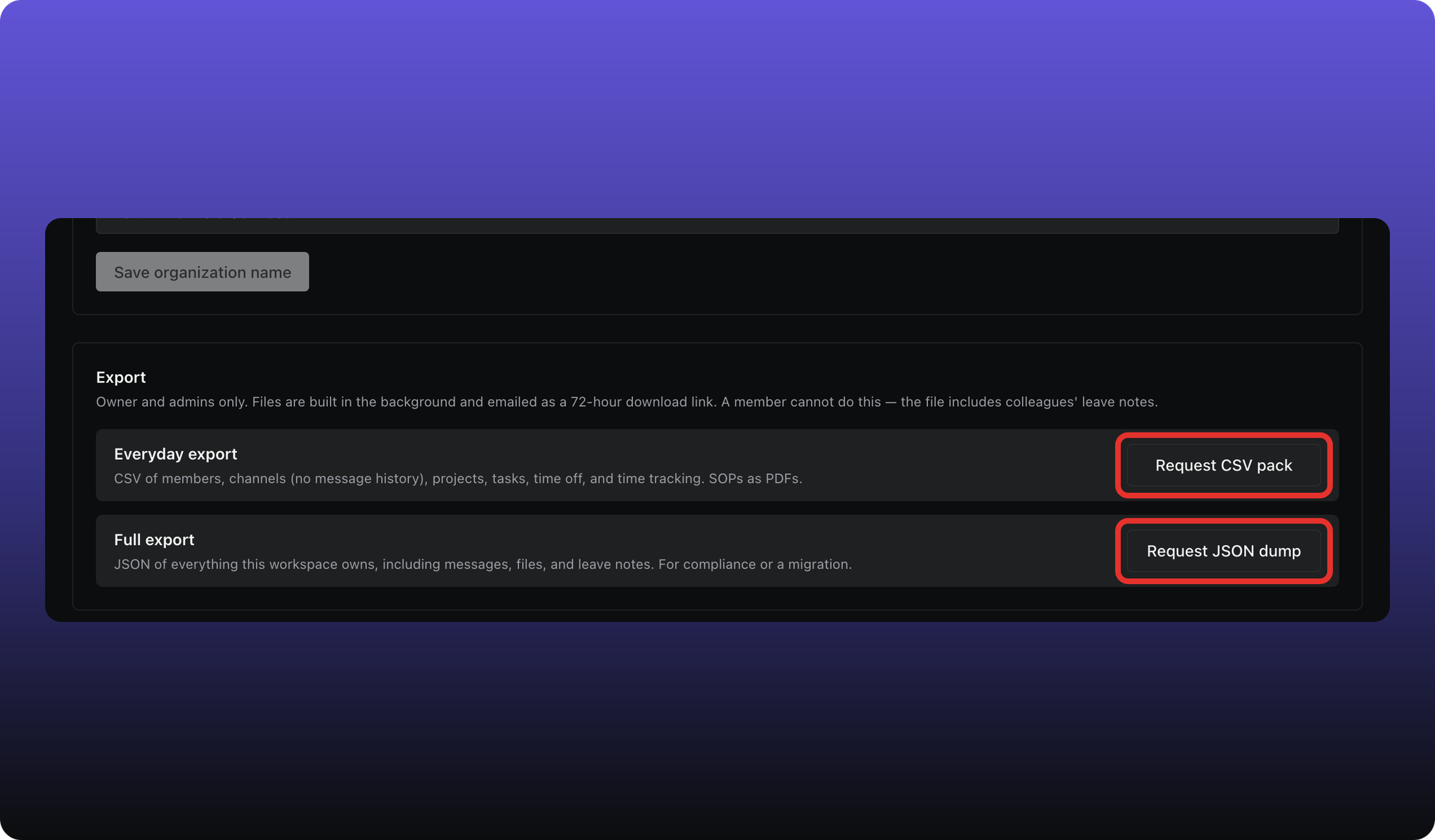
Everyday export (CSV pack)
CSV files for members, channels (metadata only — no message history), projects, tasks, time off, and time tracking, plus SOPs as PDFs. Use this for spreadsheets and everyday backups.
Full export (JSON dump)
JSON of everything the workspace owns, including messages, files, and leave notes. For compliance review or archival. Aiome does not import this format — it is an export-only dump.
How delivery works
- Click Request CSV pack or Request JSON dump.
- Aiome builds the file in the background and emails you a download link — usually within 5 minutes.
- The link expires after 72 hours. Request again if it expires.
For privacy commitments and subprocessors, see our legal pages: Privacy and DPA. This article describes the buttons only.
Was this helpful?
Still need help? Ask the team