Time off overview
For everyone on the Business plan. Overview, Requests, Policies, Notifications, and Reports.
Last updated About 2 months ago
Business plan only. Free workspaces do not show Time Off in the sidebar.
Everyone · Business plan
Time Off is where your team requests leave, sees who is out, and (for admins) sets policies and runs reports. Open it from the main sidebar.
Inside Time Off, the left sub-nav has five views:
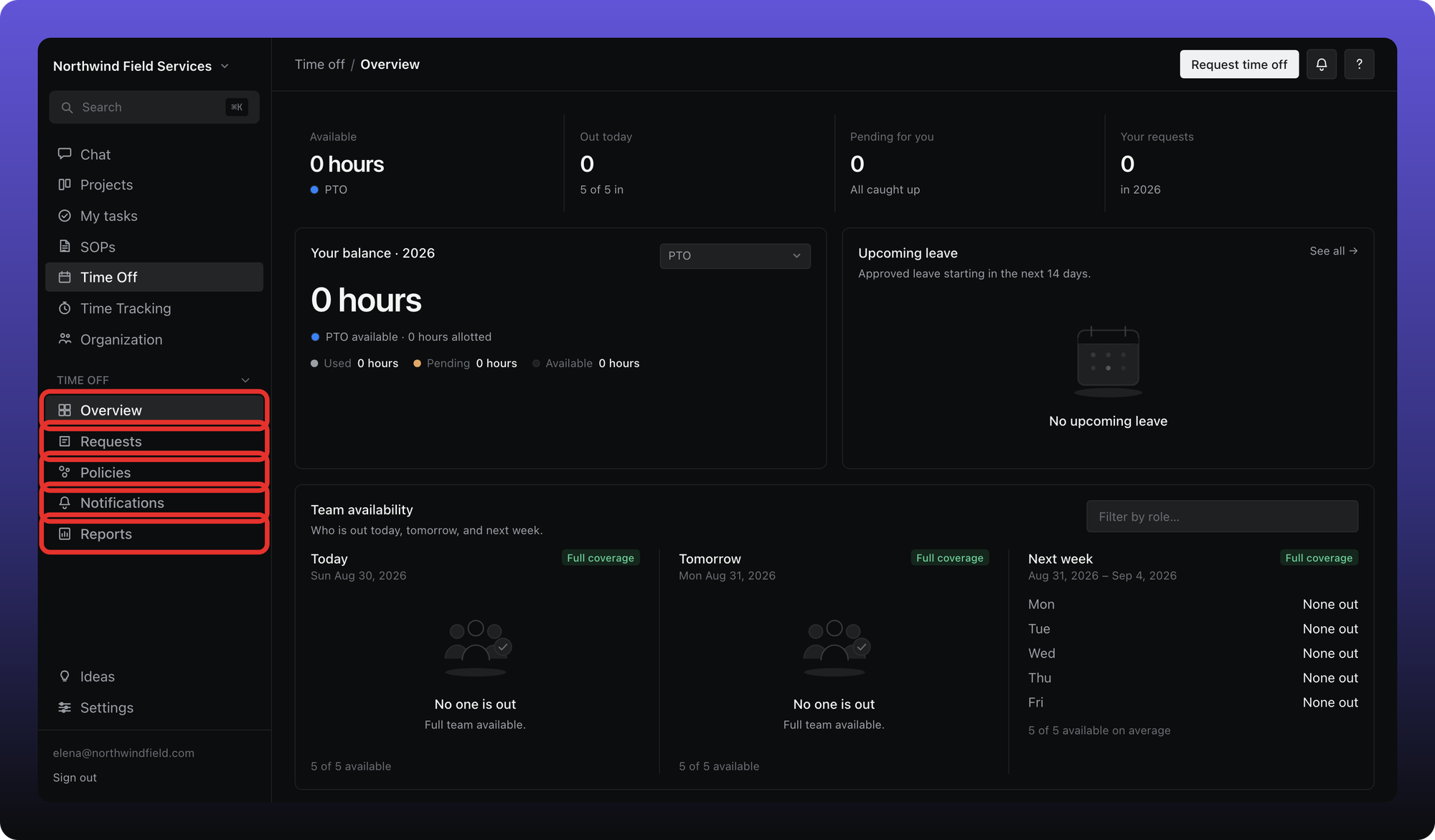
Overview. Your balance, who is out today and this week, upcoming approved leave, and holidays on your calendar.
Requests. Pending and past leave for you, plus incoming requests if you are an approver.
Policies. Admins only. Leave types (each one is a full policy), public holidays, and org-wide settings.
Notifications. How digests and request updates are delivered.
Reports. Balances, totals, and history — plus CSV and PDF export when you can view team data.
Use Request time off in the top bar from any Time Off screen to open the request form.
Was this helpful?
Still need help? Ask the team