Public holidays
For workspace admins. Import public holidays or add custom company days off.
Last updated About 2 months ago
Business plan only. Free workspaces do not show Time Off in the sidebar.
Workspace admins · Business plan
Admins open Time Off → Policies → Holidays.
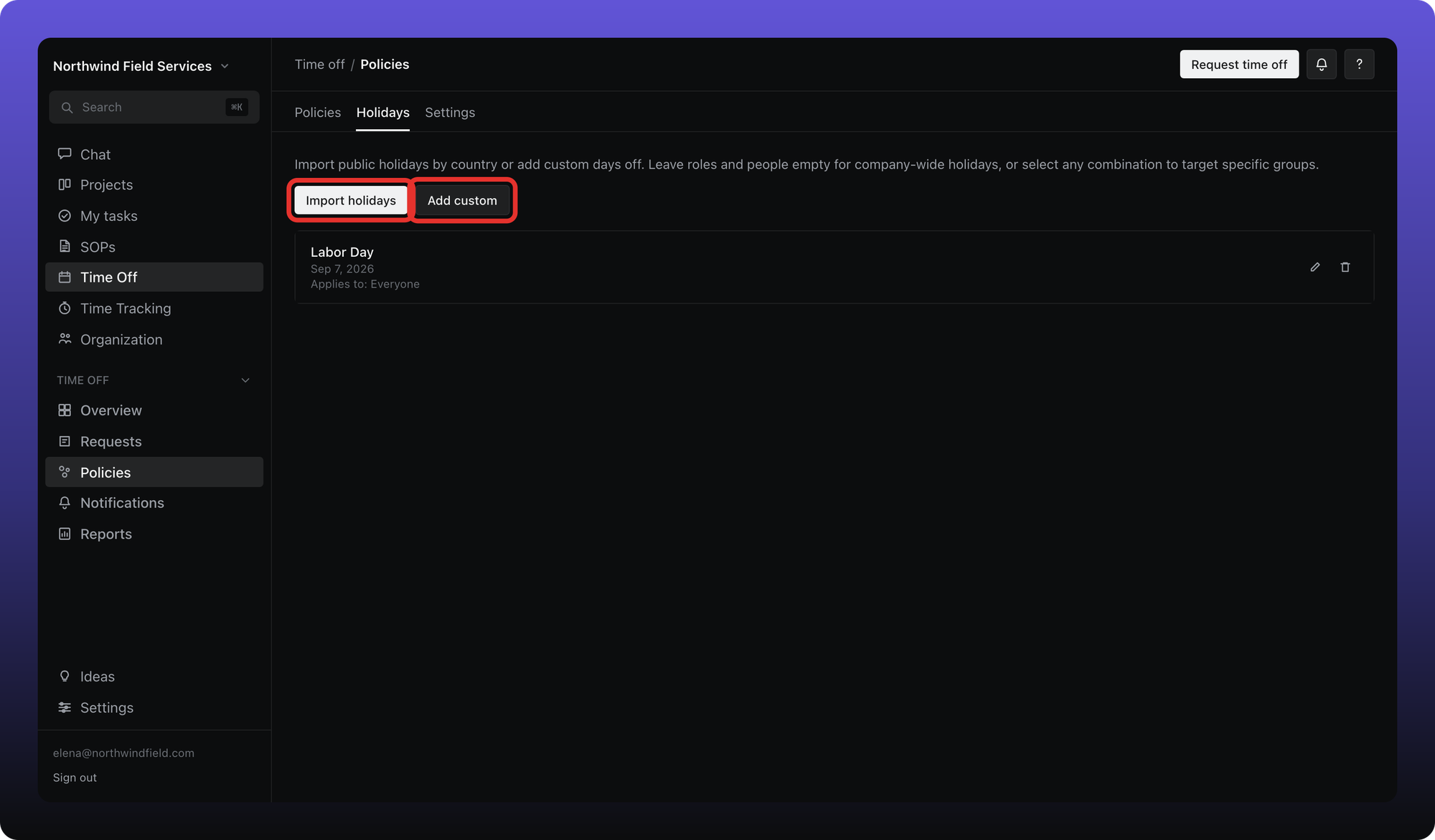
Click Import holidays to add public holidays by country and year.
Click Add custom for a one-off company day (name, date, and who it applies to).
Leave roles and people empty for a company-wide holiday, or select specific org roles and/or people so the day only applies to that group. Imported holidays can be edited or removed afterward.
Holidays assigned to you appear on Overview → Upcoming holidays and can affect balance calculations when a policy is set to deduct holidays from allowance.
Was this helpful?
Still need help? Ask the team