What notifications you get
For everyone. In-app bell inbox — no notification toggles in Profile.
Last updated About 2 months ago
For everyone.
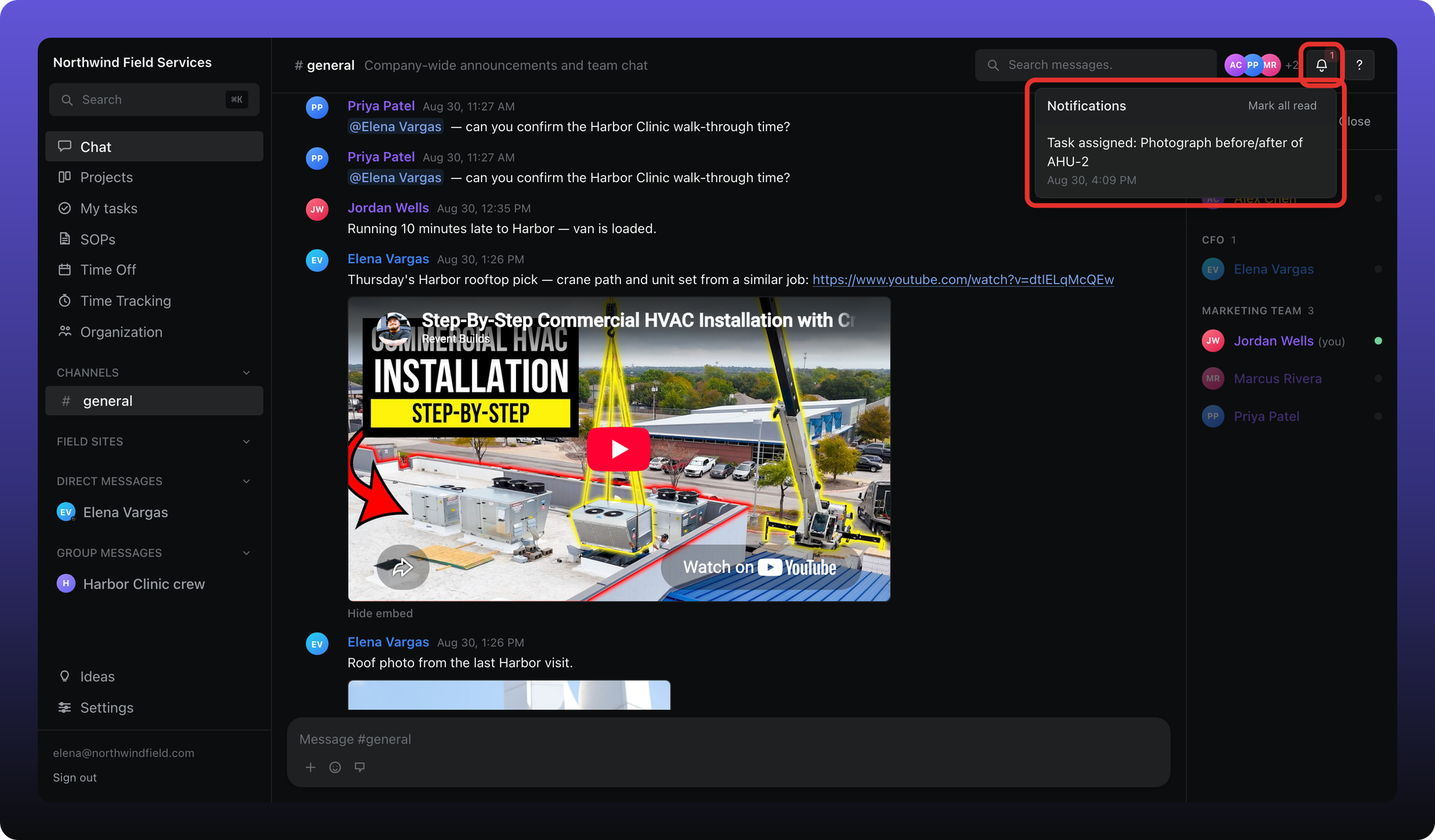
There are no notification toggles in Profile Settings. Alerts arrive in the bell at the top of the workspace — an inbox of recent activity, not a settings screen.
Open the inbox
Click the bell icon in the header. Unread items show a badge. Click an item to jump to the message, task, or request. Mark all read clears the badge.
What creates an in-app notification
- @mentions in chat
- Direct messages and group chats
- Thread replies
- Task assignments and due-date reminders
- SOP assignments and due reminders
- Time off requests and decisions that involve you
Aiome also emails you for some system events: task and SOP assignments and due dates, thread replies, and time off updates. @mentions and DMs do not send email — only the in-app bell.
Time off digest delivery (email, DM, or none) is configured under Time Off → Notifications, not here. See Time off notifications.
Was this helpful?
Still need help? Ask the team