Projects & tasks overview
For everyone. How Projects and My tasks fit together in one workspace.
Last updated About 2 months ago
For everyone.
Projects & tasks is where work gets tracked. The app sidebar has two entries — Projects and My tasks — that share the same task tools once you open them.
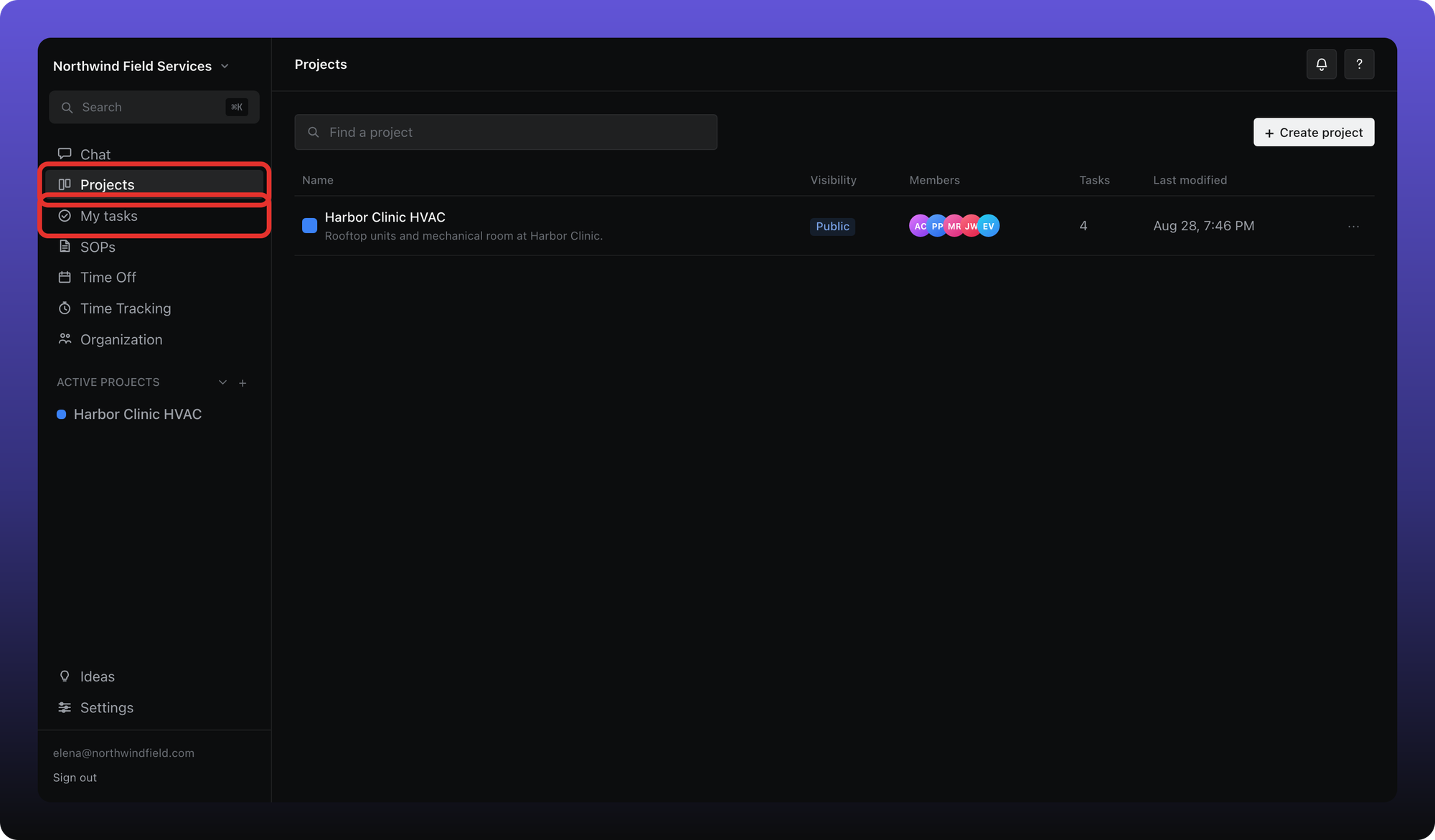
Projects. Browse every project in the workspace, or pick one under Active projects to see its task list or board.
My tasks. A single list of tasks assigned to you or where you are a collaborator — across all projects.
Inside a project or My tasks you get the same views: list or kanban, filters, sorting, and grouping. Your choices are remembered separately for My tasks and for each project.
Related
The next articles cover creating projects, editing tasks, My tasks, views and filters, comments, and project privacy.
Was this helpful?
Still need help? Ask the team