Create and edit an SOP
For everyone to create; managers and admins edit org-wide.
Last updated About 2 months ago
For everyone (create). Managers and admins can edit and publish any SOP.
Any member can create a SOP. The SOP owner, plus managers and admins, can edit it, change its status, assign it, and delete it.
Create a SOP
Open SOPs and go to Library or a folder.
Click New SOP in the header.
Enter a title and choose who can see and complete it — everyone, restricted to specific people and roles, or the folder default if the SOP lives in a folder.
Click Create SOP. The SOP opens in edit mode as a draft.
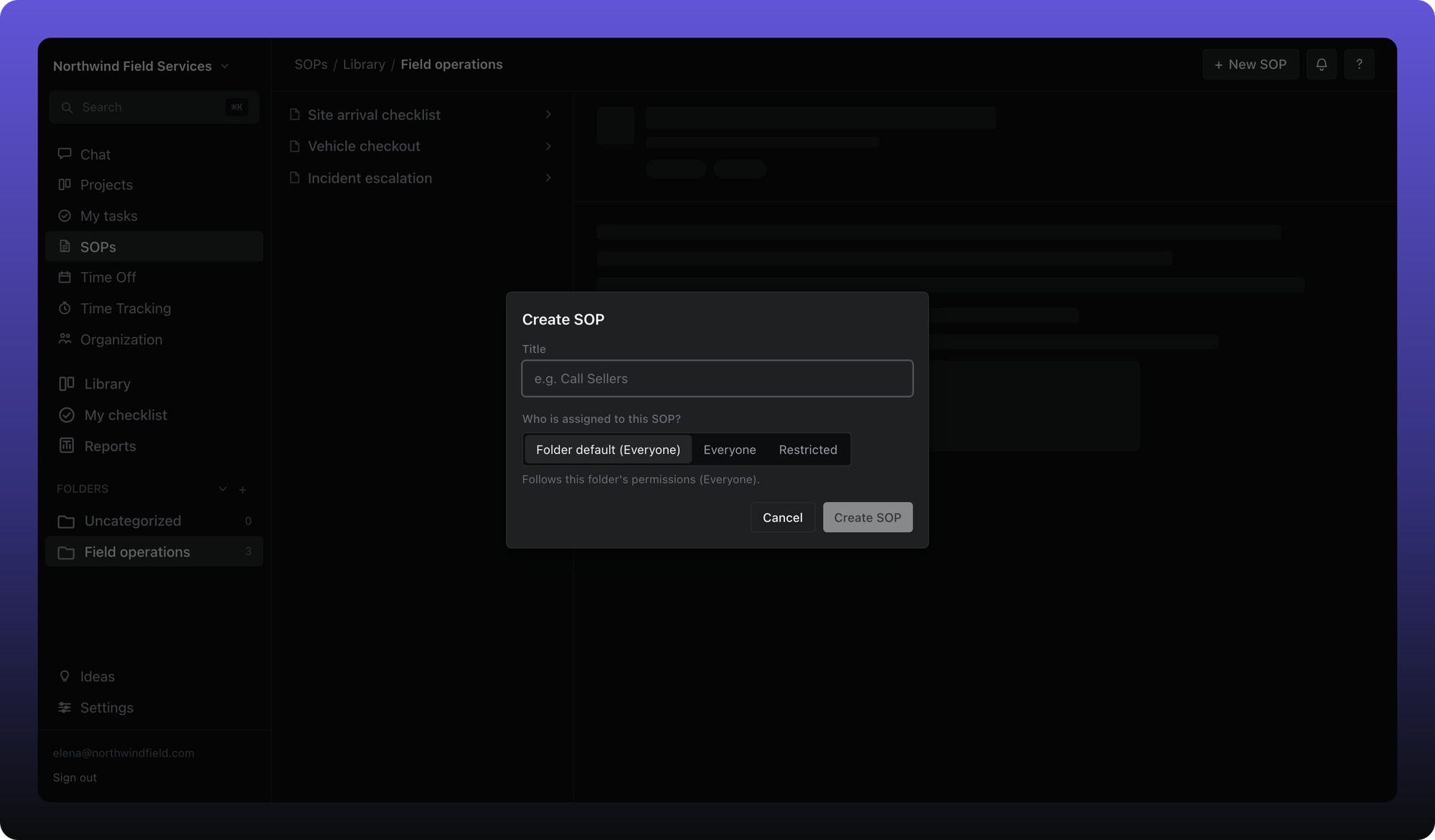
Edit and publish
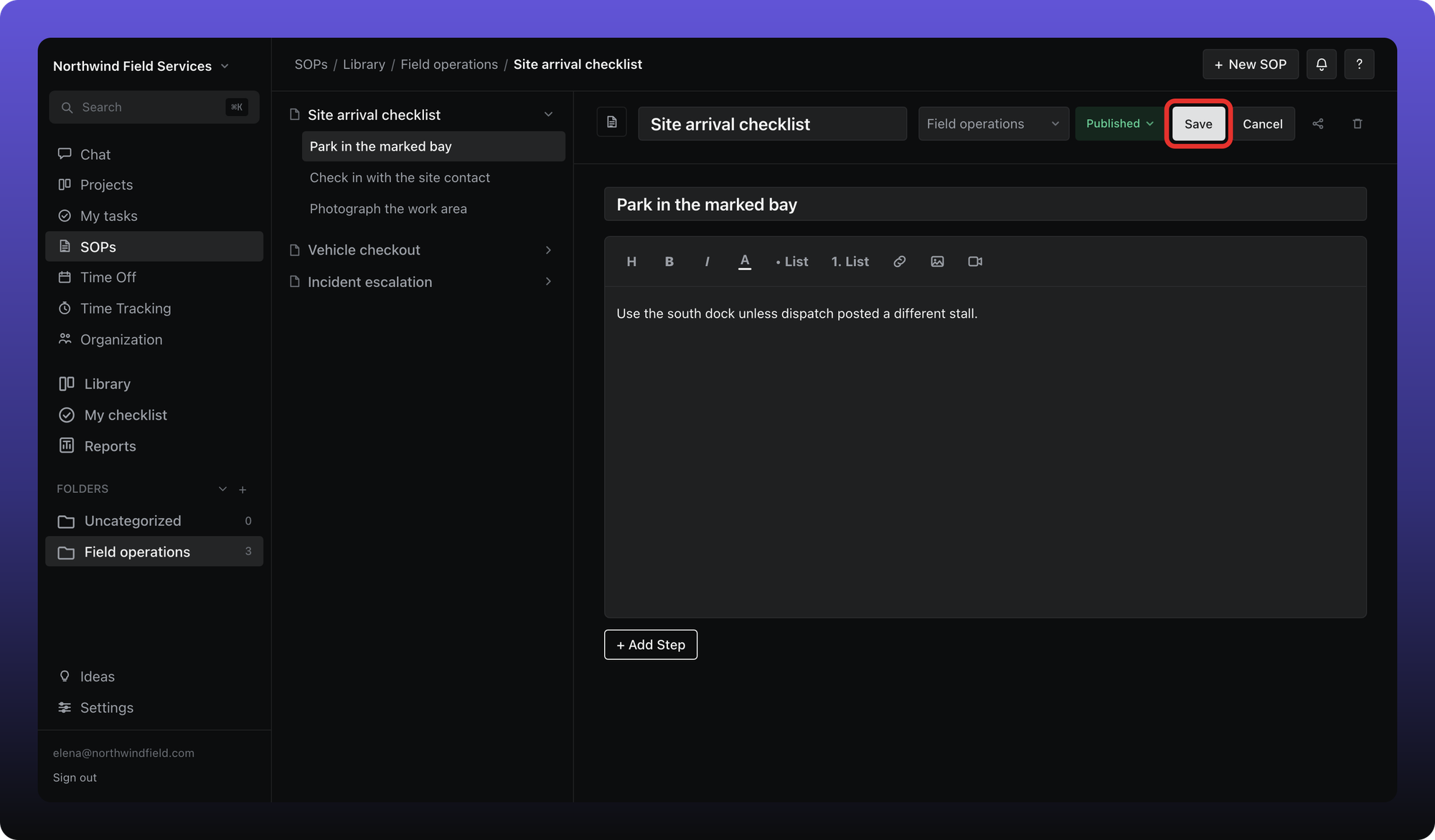
On an existing SOP, click Edit. Change the title, icon, folder, steps, and step content. Add steps with the + in the steps panel. Reorder by dragging.
Click Save when you are done. Use the status control to move between Editing and Published. Only published SOPs appear on other people's checklists.
Was this helpful?
Still need help? Ask the team