People overview
For everyone. Members, org roles, and the org chart in Organization.
Last updated About 2 months ago
For everyone.
Click Organization in the sidebar to manage who is in your workspace, their permissions, job roles, and reporting lines.
Three tabs
Under Organization in the sidebar:
- Members — everyone invited or active, plus the invite form (managers and admins).
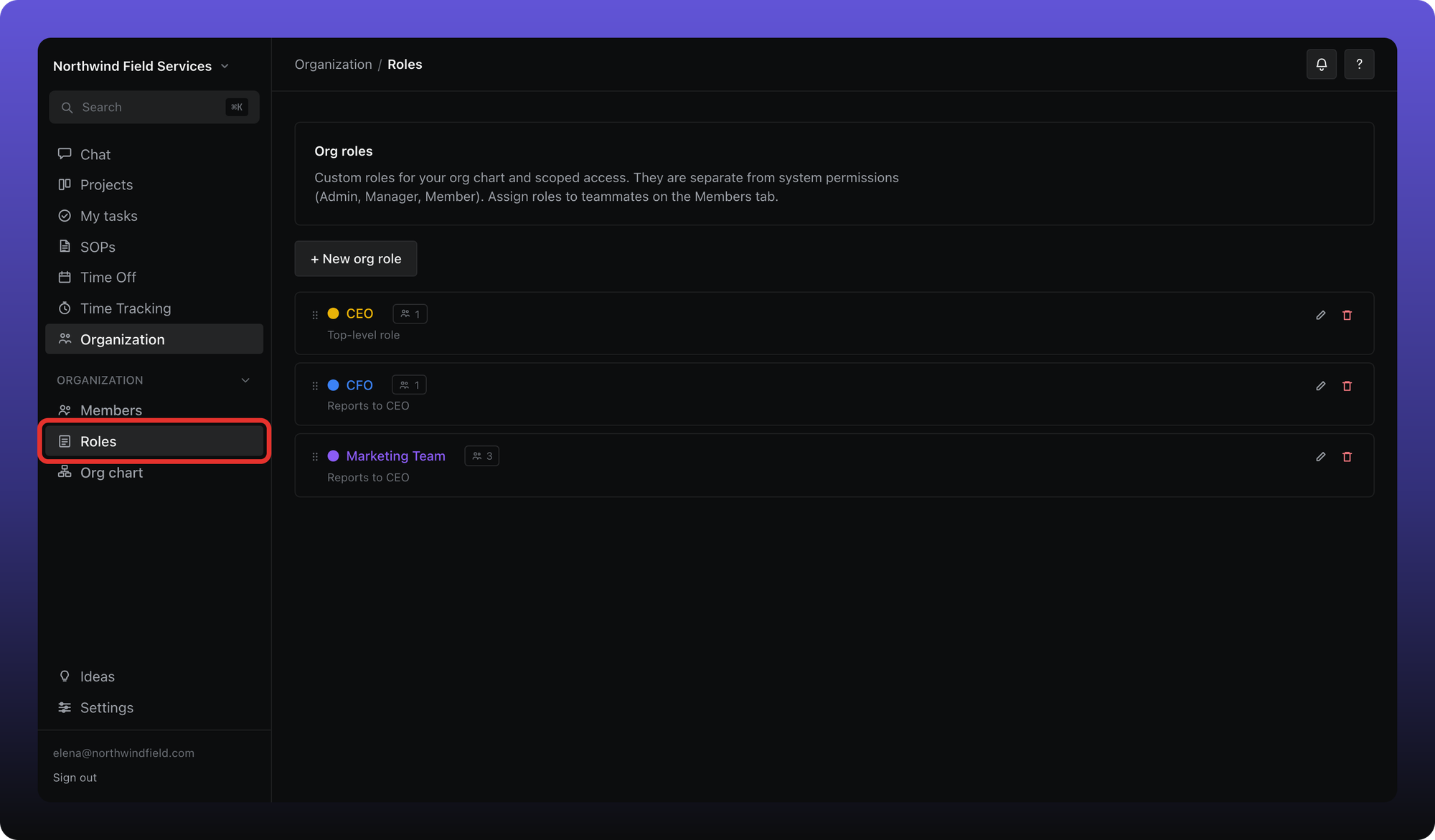
- Roles — custom org roles for the chart, SOP assignments, and leave policies.
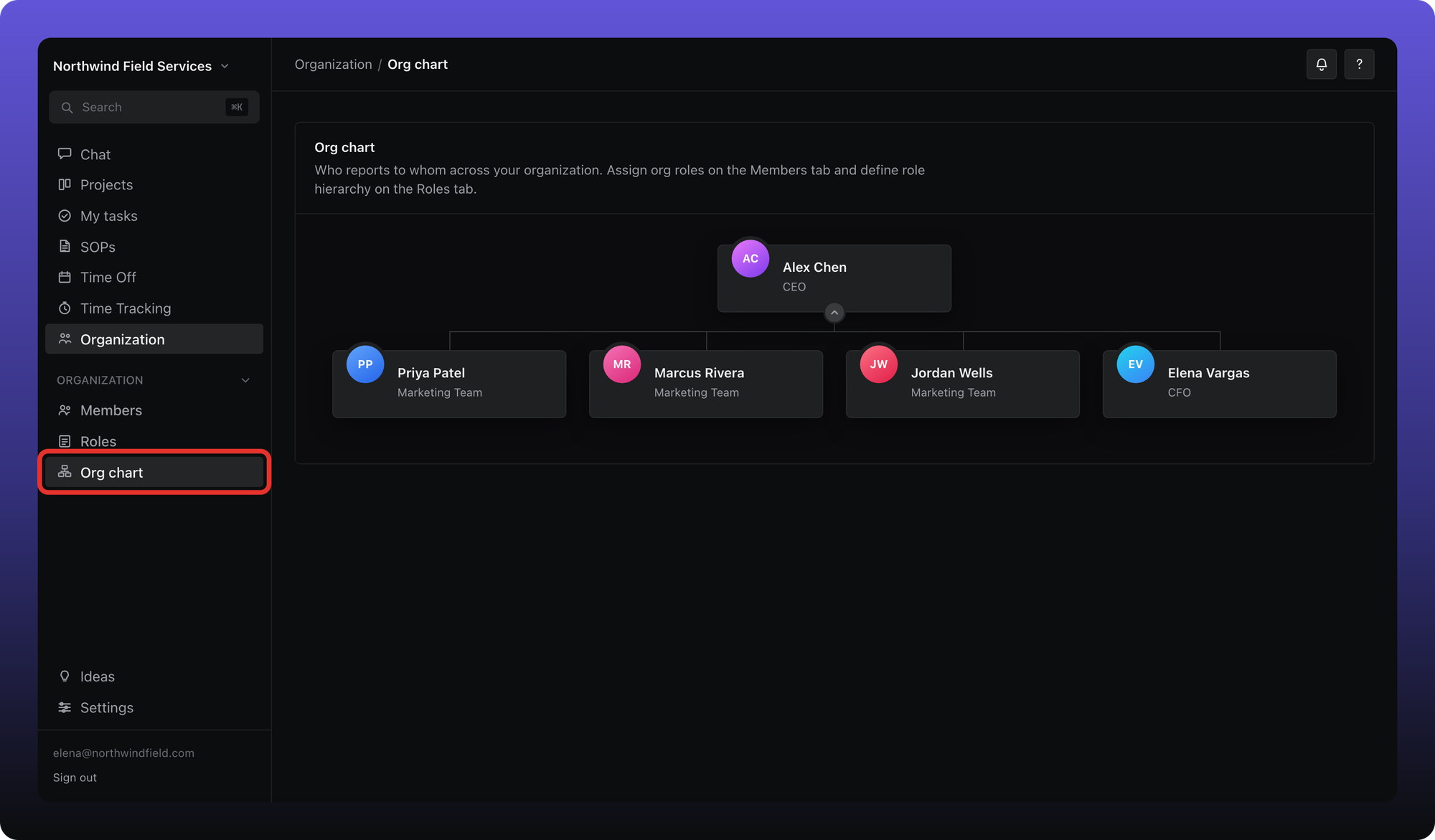
- Org chart — a visual map of who reports to whom (the paid Business plan only).
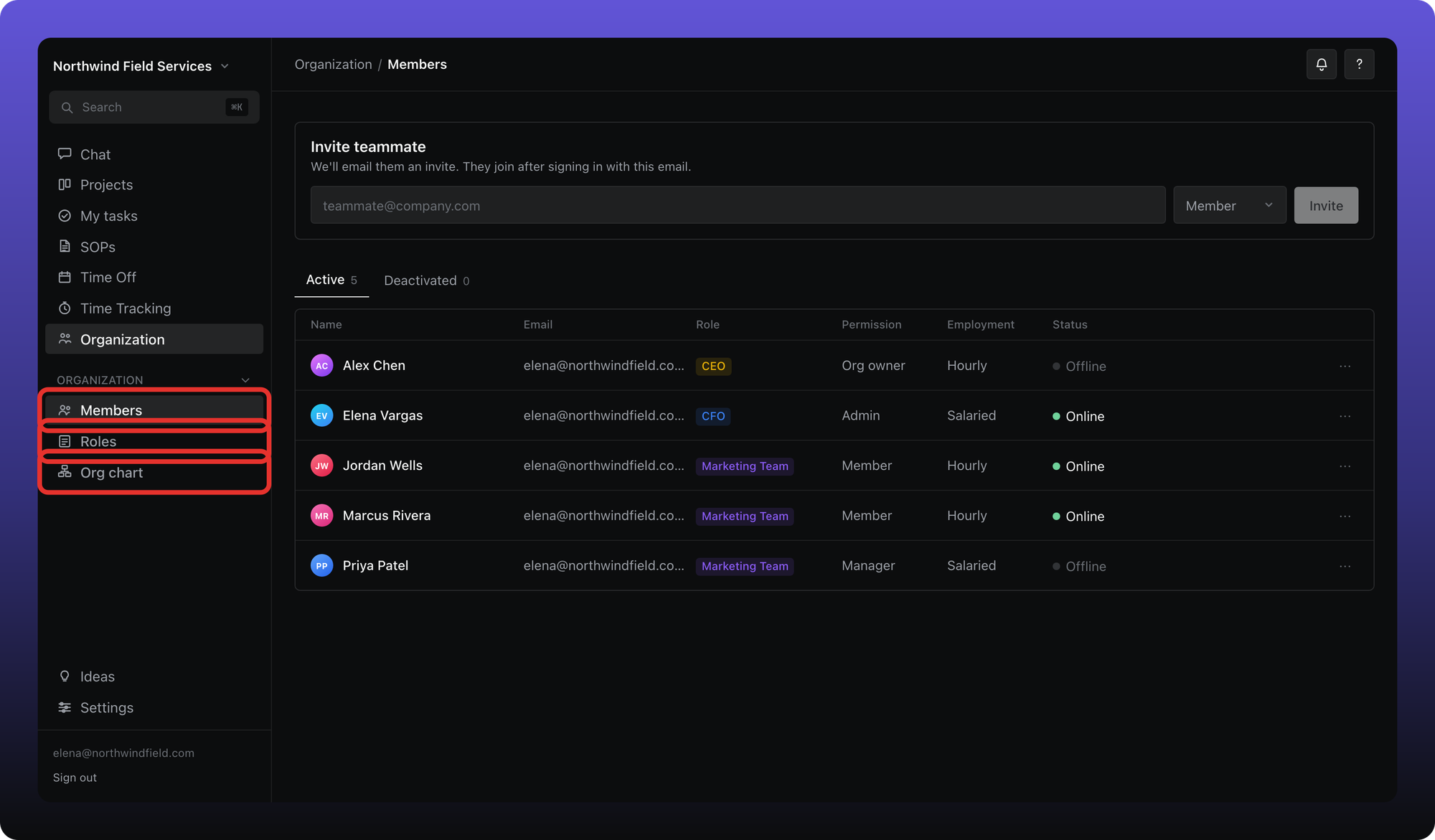
On Members, managers and admins see an invite form and a table of active and invited people. Everyone else sees the member list.
Roles
The Roles tab lists custom org roles — job titles like Field Technician or Operations Manager. These are separate from app permissions (Member, Manager, Admin). See Org roles vs app permissions.
Org chart
Business plan. The Org chart tab appears only on the paid Business plan. Free workspaces have Members and Roles only.
On Business, open Org chart to see reporting lines built from org roles and individual placements. See Org chart.
Was this helpful?
Still need help? Ask the team