Time off notifications
For everyone; admins configure the org channel digest. Pick one delivery channel for alerts.
Last updated About 2 months ago
Business plan only. Free workspaces do not show Time Off in the sidebar.
Everyone · Business plan (admins configure org defaults)
Open Time Off → Notifications. Time off alerts are not toggled per event in Profile — they are configured here.
Channel digest (admins)
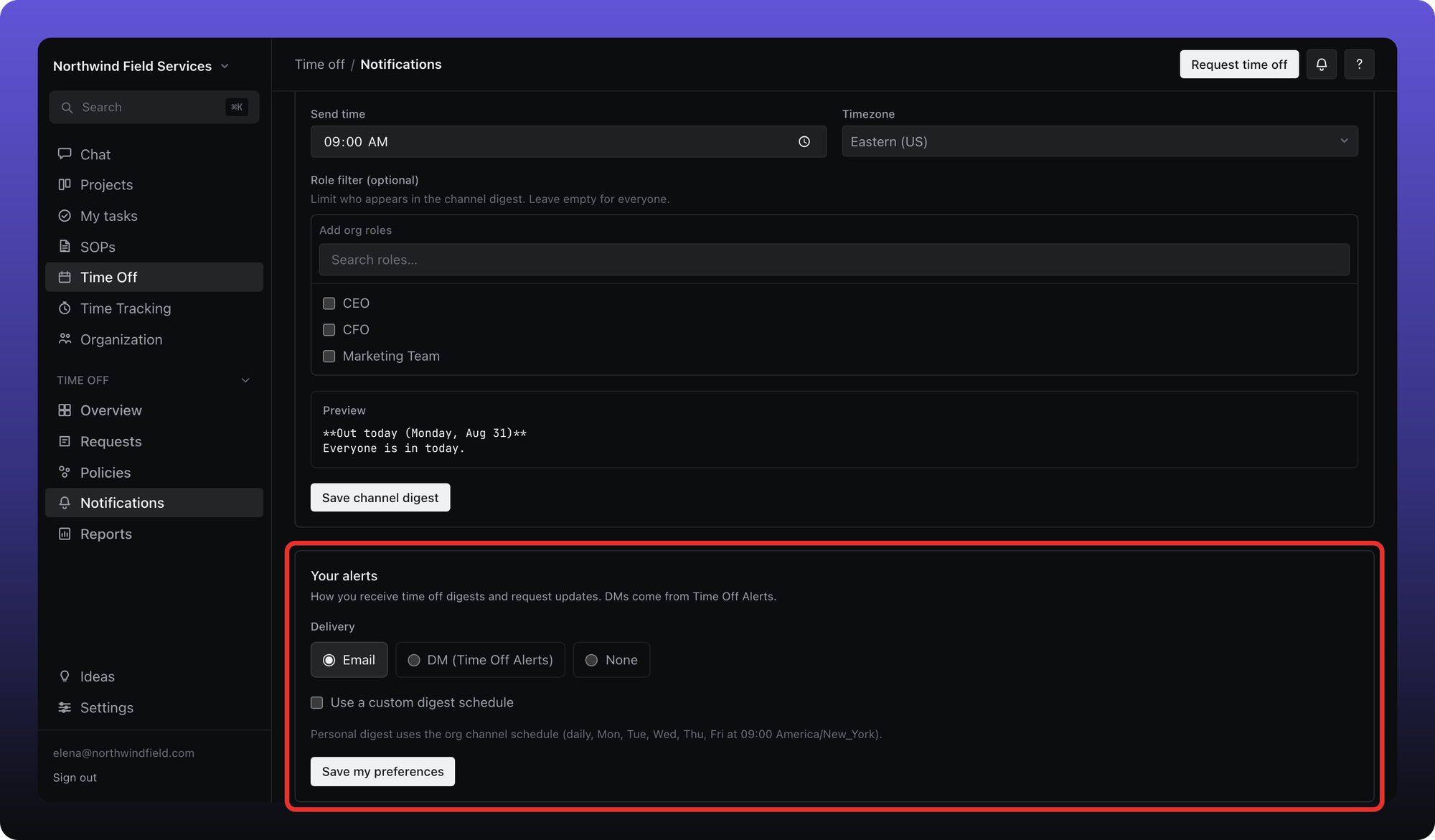
Admins can post a scheduled summary of who is out to a team channel: pick the channel, days, time, timezone, and an optional org-role filter. Members see the schedule read-only.
Your alerts (everyone)
Each person picks one delivery channel for digests and request updates:
Email
DM (Time Off Alerts) — a direct message from the Time Off Alerts bot
None
Optionally enable Use a custom digest schedule to override the org default days and time. Request approve/deny notifications follow the same channel you choose here.
Was this helpful?
Still need help? Ask the team